


Performance tips
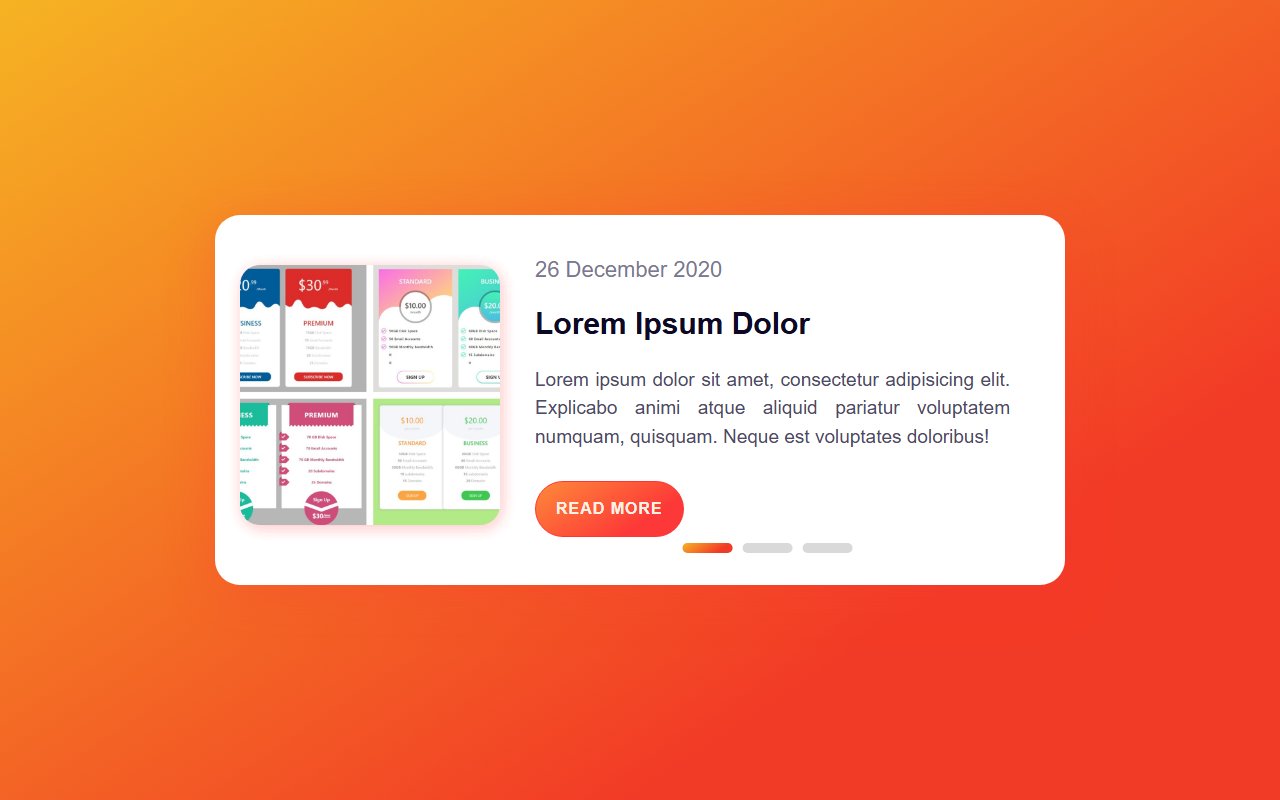
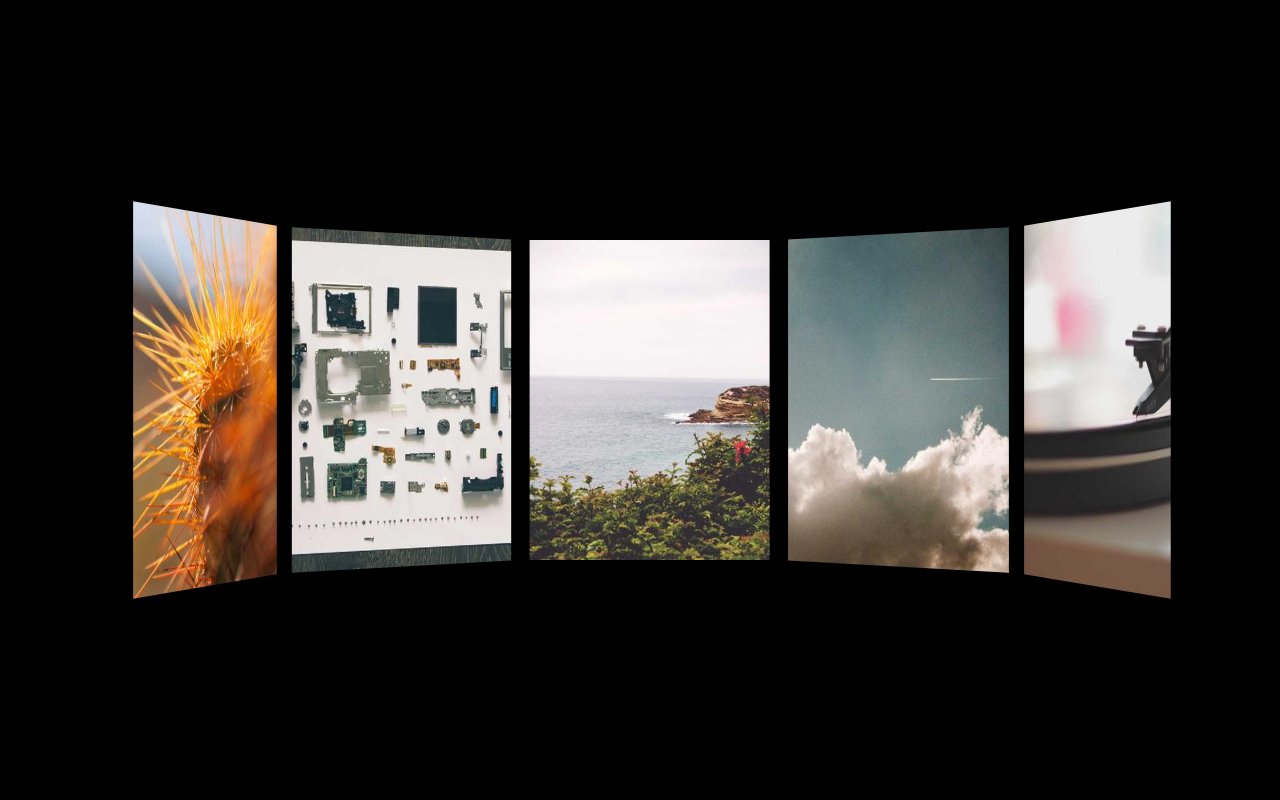
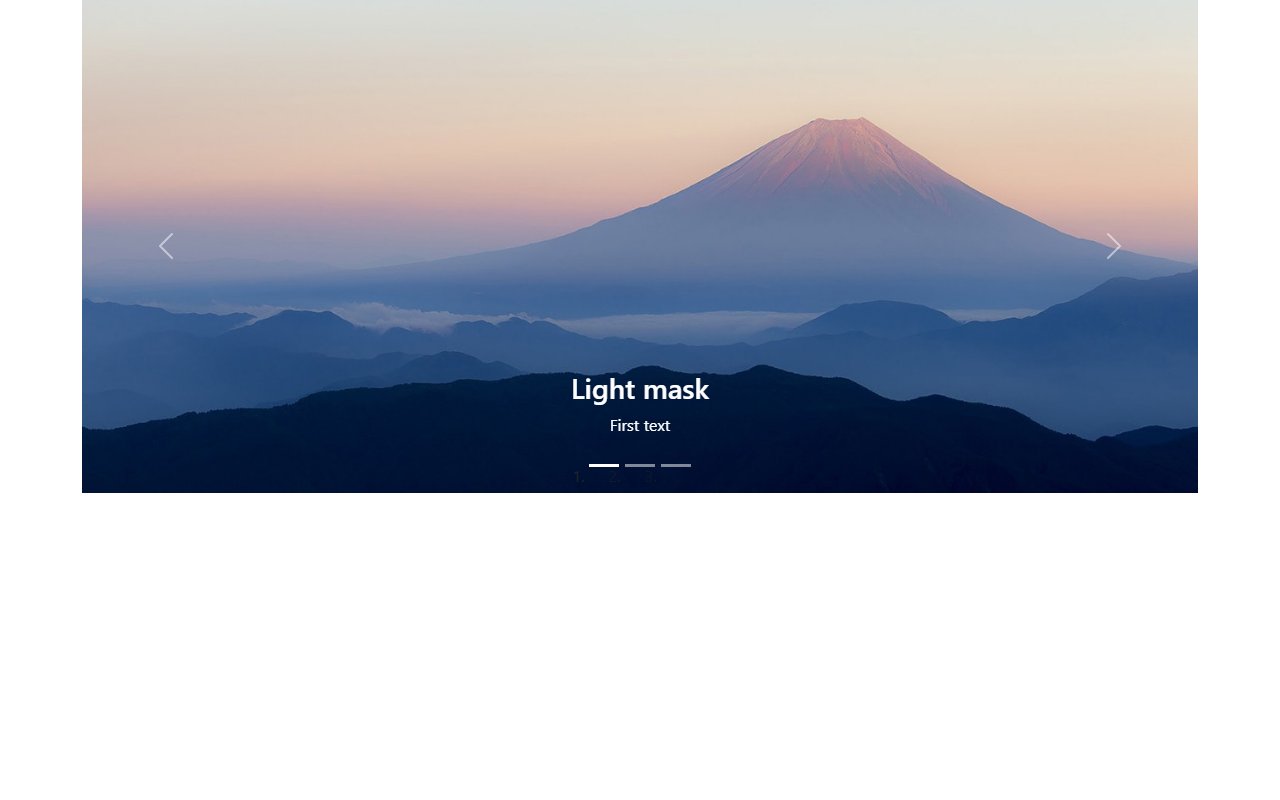
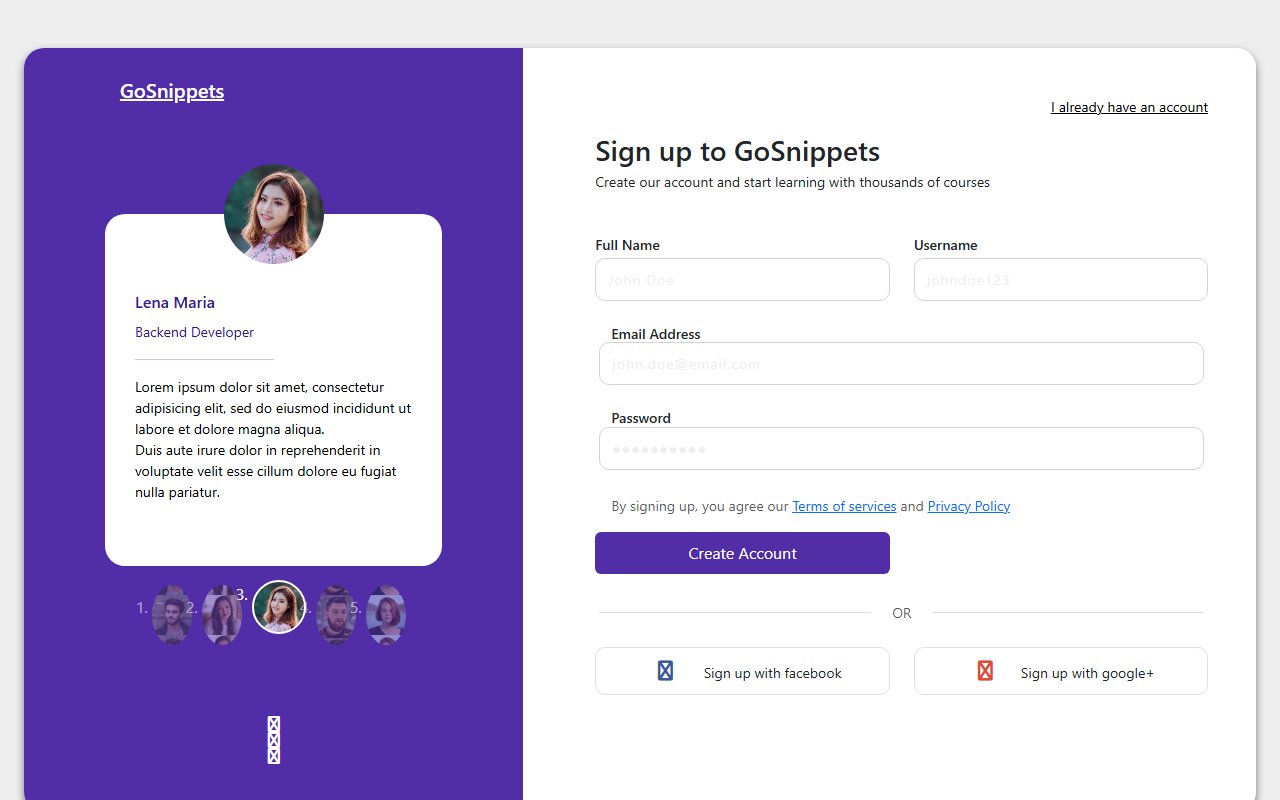
Lazy-load off-screen slides, prefer transform animations, and pause autoplay when the user prefers reduced motion (prefers-reduced-motion).
Category · page 2 of 3
Image sliders and content carousels
Showing 19 of 19 snippets
19 results
Image sliders and content carousels
Lazy-load off-screen slides, prefer transform animations, and pause autoplay when the user prefers reduced motion (prefers-reduced-motion).
Overused carousels hurt conversions on heroes — use them for optional galleries, not critical CTAs. These snippets help you implement them correctly when needed.
Trending now
Compact music player with album art, animated equaliser bars, scrubber, elapsed/remaining time and play controls. Pure CSS keyframes drive the EQ pulse and the neon ring around the album art.
Three-plan pricing layout with a monthly/yearly toggle. Price values cross-fade with a slide animation, popular plan glows, yearly savings banner.
Animated drop zone with drag-over glow, queued file thumbnails, per-file progress bars that auto-fill, and a successful-state checkmark. Click "Browse" or drop files anywhere on the zone.
Bold 404 page with a giant gradient numeral, floating planets, twinkling starfield and a primary CTA back to safety. Pure CSS animation.
Spotlight-style command palette with live keystroke filtering, keyboard hint chips and grouped results. Backdrop blurs the page below for focus.
Three-step onboarding wizard with an animated progress bar, slide-fade panel transitions and contextual hints. Forward / back nav and completion celebration.
Ranked by views and likes from the last 30 days.