Loading…
Free Developer Tool
JSON Formatter & Validator
Beautify, minify, repair, and validate JSON in real time. Explore nested data with a collapsible tree or syntax-highlighted preview — auto-saved locally, nothing leaves your browser.
Chars
0
Keys
0
Depth
0
Objects
0
Arrays
0
Strings
0
Numbers
0
Nulls
0
Input
Drop a .json file here or paste in the editor
Tree view
No JSON to display
Paste valid JSON on the left to explore an interactive tree view here.
- Auto-format on paste
- JSON repair (comments & trailing commas)
- Sort keys A→Z
- Line numbers & go-to-error
- Tree path copy (JSONPath)
- Drag & drop files
- Local auto-save
- Syntax-highlighted preview
Handle sensitive JSON carefully
- API responses may include access tokens, passwords, or personal data — avoid sharing screenshots in public channels.
- This tool never uploads your input, but anyone with access to your screen or clipboard can read what you paste.
- Use Clear or wipe site data to remove auto-saved drafts from this browser.
What is JSON?
JSON (JavaScript Object Notation) is a lightweight, text-based data format for exchanging structured data between applications. It is defined by RFC 8259 and is the default choice for REST APIs, configuration files, log pipelines, and message queues.
JSON supports objects {}, arrays [], strings, numbers, booleans, and null. It is human-readable when formatted and easy for machines to parse with JSON.parse() in JavaScript or equivalent libraries in every major language.
Why format JSON?
Minified JSON from production APIs is valid but hard to review during debugging. Beautifying (pretty-printing) inserts indentation and line breaks so you can spot missing keys, wrong types, and nested structure at a glance.
- Code reviews and pull requests are faster with readable payloads.
- Diff tools show meaningful line-by-line changes on formatted JSON.
- Documentation and blog posts need consistent 2- or 4-space indent.
- Before committing config to Git, format once so teammates share the same style.
When you are done inspecting, minify again to reduce bytes for storage or transport — our tool handles both directions in one click.
Valid JSON syntax
Strict JSON (RFC 8259) requires:
- Double quotes around all object keys and string values — single quotes are not valid.
- No trailing commas after the last element in an object or array.
- No comments (
//or/* */) — use our Repair button to strip them if pasted from config files. - Numbers without leading zeros (except
0.x) and noNaNorInfinity. - Escape special characters inside strings:
\n,\t,\", etc.
Our validator runs the same rules as your browser's JSON.parse() and reports the exact line and column when syntax fails.
Beautify vs minify
Beautify expands JSON with your chosen indent (2 spaces, 4 spaces, or tabs) so nested objects and arrays align visually. Use it when reading API responses, OpenAPI examples, or exported database rows.
Minify removes all unnecessary whitespace and produces a single line — ideal for HTTP bodies where every byte counts, or for embedding JSON inside HTML script tags.
Sort keys recursively orders object keys A→Z at every level, which makes diffs stable when two payloads differ only in key order. Pair it with beautify before committing to version control.
Tree view & JSONPath-style paths
Large documents are easier to explore in a collapsible tree than in a flat textarea. Expand objects and arrays, search keys and values, and copy a path like $.users[0].email to use in documentation, jq filters, or API testing tools.
Switch to Preview mode for syntax-highlighted formatted output — strings, numbers, booleans, and keys use distinct colors so structure pops without running a separate highlighter.
Stats under the editor show character count, total keys, max nesting depth, and type breakdowns (objects, arrays, strings) so you can sanity-check payload size before sending to production.
Common JSON errors
- Unexpected token — often a missing comma between properties, an extra comma before
}, or a single-quoted string. - Unexpected end of JSON input — truncated copy/paste, unclosed bracket, or cut-off API response.
- Bad control character — raw newlines or tabs inside a string instead of escaped sequences.
- Duplicate keys — valid in some parsers but undefined behavior; last value wins in
JSON.parse.
Use Go to line on the error banner to jump straight to the problem row in the editor, then fix and watch the tree update live.
Repairing broken JSON
Real-world payloads often include trailing commas from JavaScript object literals or // comments from JSONC config files. Our Repair action safely strips comments (without touching strings) and removes trailing commas, then beautifies if the result parses.
Repair is a best-effort helper — it does not convert single quotes to double quotes or fix unquoted keys. For those cases, fix manually or paste from a source that exports strict JSON.
Privacy & security
This formatter runs 100% in your browser. Nothing you paste is uploaded, logged, or sent to our servers. Auto-save uses only your device's localStorage and can be cleared with the Clear button or by wiping site data.
Still treat pasted JSON as sensitive: API responses may contain access tokens, emails, or internal IDs. Avoid sharing formatted output in public tickets or screenshots when the payload is confidential.
For JWT payloads specifically, use our JWT decoder which understands header, signature, and claim semantics.
Frequently asked questions
Is this JSON formatter safe for confidential data?▾
Yes. All parsing and formatting runs in your browser. We do not upload, store, or analyze your JSON on our servers. Clear localStorage anytime with the Clear button.
What is the difference between beautify and minify?▾
Beautify adds indentation and line breaks for readability. Minify removes all unnecessary whitespace to produce the smallest valid JSON string for APIs and storage.
Can this tool fix invalid JSON automatically?▾
The Repair action removes // and /* */ comments and trailing commas — common issues when copying from config files. It cannot fix unquoted keys or single-quoted strings; those must be corrected manually.
Why does JSON.parse fail on my file?▾
Strict JSON disallows comments, trailing commas, single quotes, and unquoted keys. Check the line and column in our error banner, use Go to line, and apply Repair if the issue is comment or comma related.
What does the tree view JSONPath copy do?▾
Click the copy icon on any node to copy a path like $.meta.clientSide or $.features[0] — useful for jq, documentation, and API debugging workflows.
Does formatting change my data?▾
No. Beautify and minify only change whitespace. Sort keys reorders object keys alphabetically but preserves all values. The parsed data structure stays equivalent.
Can I open a .json file from disk?▾
Yes. Use Open file or drag and drop a .json or .txt file onto the editor. The tool reads the file locally in your browser and auto-formats when valid.
What keyboard shortcuts are supported?▾
Ctrl+Shift+F beautifies, Ctrl+Shift+M minifies, and Ctrl+Shift+K sorts keys alphabetically. Works on Windows and Linux; use Cmd on macOS where applicable.
More free developer tools
Explore our free developer tools — including the JWT decoder, timezone converter, and CSS gradient generator. Browse Bootstrap snippets and Tailwind components for copy-ready UI.
Popular right now
More tools developers rely on
Decode JWTs, compare world clocks, generate UI components, and build gradient backgrounds — 100% client-side.
Trending now
Trending Bootstrap snippets
Pair clean JSON with ready-to-copy Bootstrap and Tailwind UI.
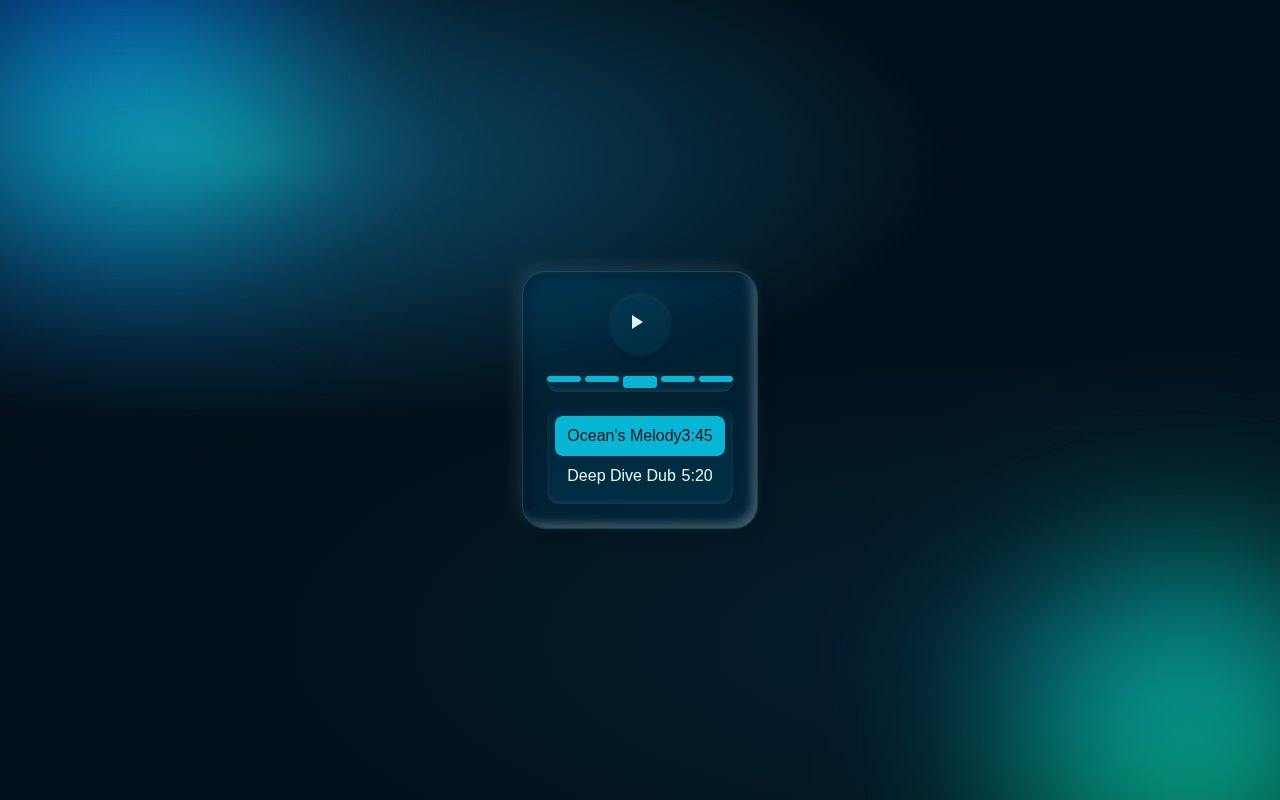
#music player#waveform+3
Ocean Depth Neumorphic Music Player with Waveform Scrubber
Immerse in a modern audio experience with our neumorphic music player, featuring a dynamic waveform scrubber and interactive queue visuals.
14View snippet
#neumorphism#event-scheduler+3
Aurora Mint Neumorphic Event Scheduler with Drag Selection
Craft seamless schedules with an elegant neumorphic interface where you can drag and select time ranges effortlessly in a futuristic calendar view.
13View snippet
#ai chat#cyberpunk+5
Cyberpunk AI Chat Dashboard with Dynamic Orbital Glow
Revolutionize your AI interactions with this stunning, neon-infused chat interface. With dynamic status indicators and orbital animations, it captivates and informs.
25View snippet
Trending now
Trending Tailwind components
Pair clean JSON with ready-to-copy Bootstrap and Tailwind UI.
N
Tailwind#music#player+3
Neon Music Player Widget
Compact music player with album art, animated equaliser bars, scrubber, elapsed/remaining time and play controls. Pure CSS keyframes drive the EQ pulse and the neon ring around the album art.
Maya
250
S
TailwindReact#onboarding#wizard+3
Step Wizard Onboarding
Three-step onboarding wizard with an animated progress bar, slide-fade panel transitions and contextual hints. Forward / back nav and completion celebration.
GoSnippets AI
71
C
Tailwind#404#error+3
Cosmic 404 — Lost in Space
Bold 404 page with a giant gradient numeral, floating planets, twinkling starfield and a primary CTA back to safety. Pure CSS animation.
GoSnippets AI
71
Ranked by views and likes from the last 30 days.