Experience fluidity and precision with magnetic hover, ripple effects, and soft gradient mesh. Effortlessly navigate with cinematic depth.
1
2<section class="gs-stage">
3 <div class="gs-orb gs-orb-1" aria-hidden="true"></div>
4 <div class="gs-orb gs-orb-2" aria-hidden="true"></div>
5 <div class="gs-card">
6 <div class="gs-card-inner">
7 <h3 class="text-light">Interactive Controls</h3>
8 <button class="gs-button mt-4">Execute Command
9 <svg xmlns="http://www.w3.org/2000/svg" width="18" height="18" fill="none">
10 <path d="M9 5l7 7-7 7"></path>
11 </svg>
12 </button>
13 <button class="gs-button mt-2">Cancel Action
14 <svg xmlns="http://www.w3.org/2000/svg" width="18" height="18" fill="none">
15 <path d="M6 18L18 6M6 6l12 12"></path>
16 </svg>
17 </button>
18 </div>
19 </div>
20</section>
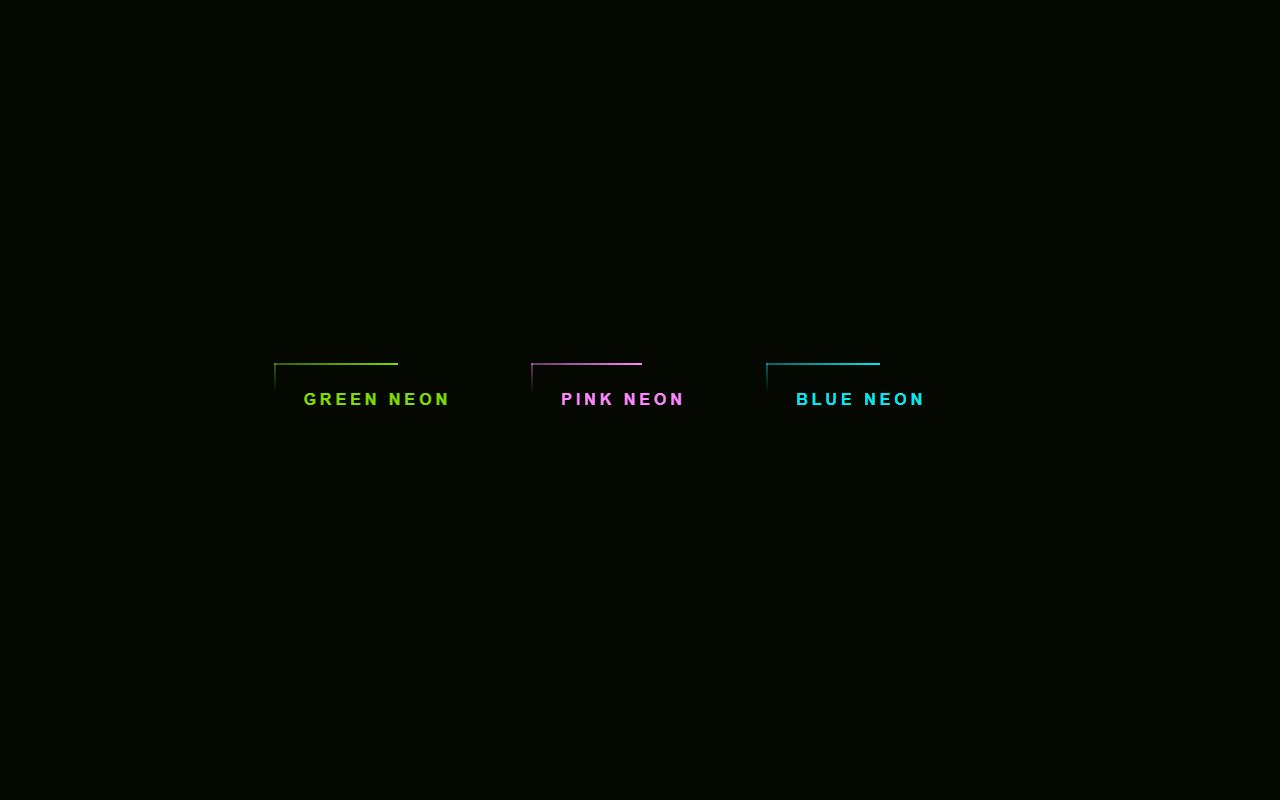
Pure CSS Neon Button
Add a button to your UI with Pure CSS Neon Button. Free Bootstrap 5 code — HTML & CSS ready to copy, MIT licensed.

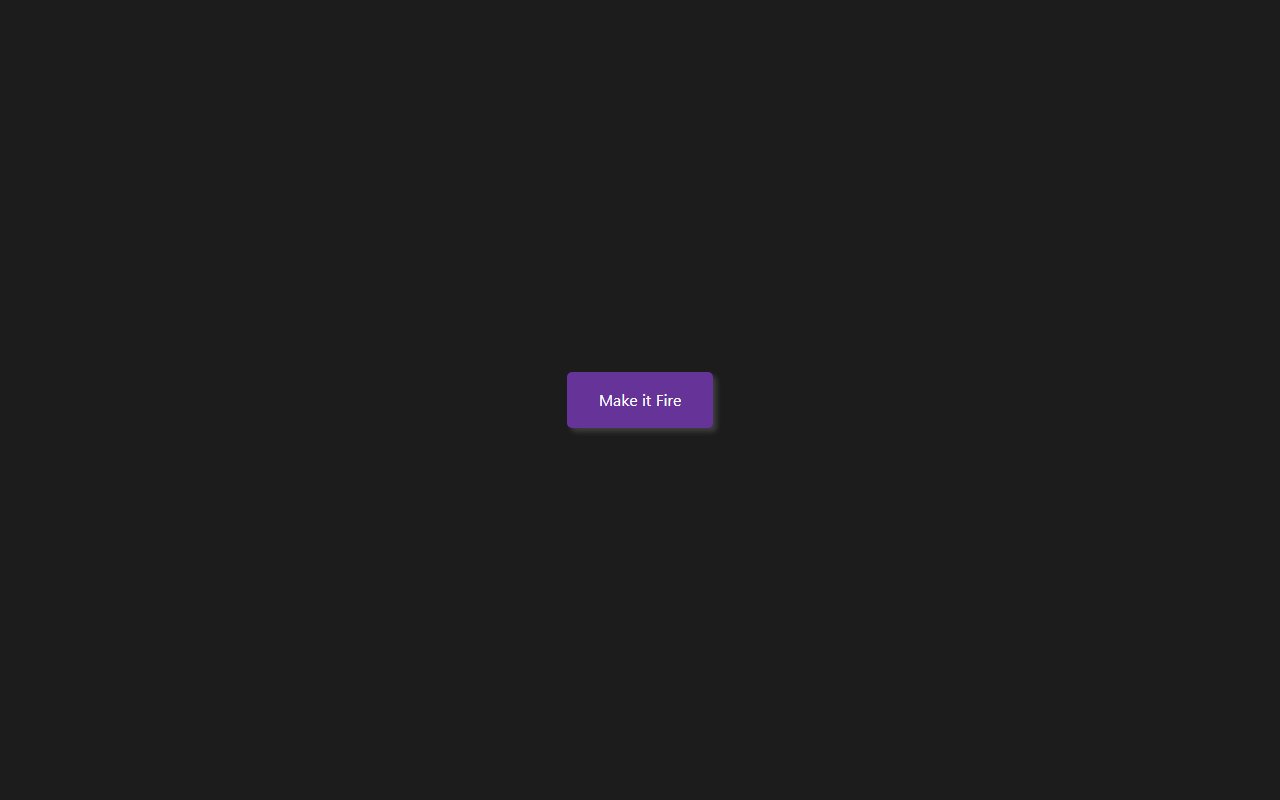
Firework Animation on Button Click
Firework Animation on Button Click — a free Bootstrap 5 button snippet. Copy the HTML, CSS & JS and paste straight into your Bootstrap 5 project.

Pure CSS Pulsing Button ripple effect animation
Pure CSS Pulsing Button ripple effect animation: a hand-crafted, open-source Bootstrap 5 button. HTML & CSS included, ready to copy.
Hand-crafted Tailwind CSS components — HTML or React, copy-paste ready, with live previews. Free forever, MIT licensed, no sign-up to use.
24
Components
43
Views
6
Likes
Comments(0)
No comments yet — be the first to start the discussion.
Sign in to join the conversation.