Add a utility to your UI with Bootstrap 5 Simple Newsletter Form snippets. Free Bootstrap 5 code — HTML & CSS ready to copy, MIT licensed.
1<div class="banner8 py-5">
2 <div class="container">
3 <div class="row">
4 <!-- column -->
5 <div class="col-lg-5">
6 <h6 class="text-themecolor font-weight-normal text-uppercase">newsletter</h6>
7 <h4 class="my-3">Stay informed about new and upcoming causes</h4>
8 <h6 class="subtitle mt-3 font-weight-normal">It has been the industry's standard dummy text ever since the 1500s, when an unknown printer took a galley of type and scrambled it to make a type specimen book.</h6>
9 <form class="mt-4">
10 <div class="mb-3">
11 <input class="form-control" type="text" placeholder="Your Name" />
12 </div>
13 <div class="mb-3">
14 <input class="form-control" type="email" placeholder="Email Address" />
15 </div>
16 <div class="mb-3">
17 <button class="btn btn-danger-gradiant w-100 btn-md text-uppercase text-white border-0">Subscribe </button>
18 </div>
19 <div class="mb-3">
20 <div class="my-1">
21 <div class="form-check me-sm-2">
22 <input type="checkbox" class="form-check-input" id="customControlAutosizing1">
23 <label class="form-check-label" for="customControlAutosizing1">I have read and agree to the <a href="#" class="text-decoration-none">terms and conditions</a></label>
24 </div>
25 </div>
26 </div>
27 </form>
28 </div>
29 <!-- column -->
30 <div class="col-lg-6 ms-auto">
31 <div class="d-block d-md-flex border-bottom pb-3 text-uppercase">
32 <h6 class="no-shrink font-weight-medium align-self-center m-b-0">Latest News At WrapKit</h6>
33 <a class="ms-auto text-danger align-self-center text-decoration-none" href="#">View All</a>
34 </div>
35 <div class="row blog-row mt-4 mb-3">
36 <div class="col-md-4">
37 <a href="#"><img src="https://i.imgur.com/NKkh2aT.jpg" alt="wrapkit" class="img-fluid" /></a>
38 </div>
39 <div class="col-md-8">
40 <h5><a href="#" class="text-decoration-none">The Universe is all of time and space and its contents.</a></h5>
41 <p>by <a href="#" class="text-decoration-none">Mark Freeman</a> / 23 May 2017</p>
42 </div>
43 </div>
44 <div class="row blog-row my-3">
45 <div class="col-md-4">
46 <a href="#"><img src="https://i.imgur.com/4lRe6mZ.jpg" alt="wrapkit" class="img-fluid" /></a>
47 </div>
48 <div class="col-md-8">
49 <h5><a href="#" class="text-decoration-none">Pellentesque mollis eros quis massa interdum porta et vel.</a></h5>
50 <p>by <a href="#" class="text-decoration-none">Mark Freeman</a> / 23 May 2017</p>
51 </div>
52 </div>
53 <div class="row blog-row my-3">
54 <div class="col-md-4">
55 <a href="#"><img src="https://i.imgur.com/YxI3WzW.jpg" alt="wrapkit" class="img-fluid" /></a>
56 </div>
57 <div class="col-md-8">
58 <h5><a href="#" class="text-decoration-none">Duis vel viverra quamam molesvulputate femy.</a></h5>
59 <p>by <a href="#" class="text-decoration-none">Mark Freeman</a> / 23 May 2017</p>
60 </div>
61 </div>
62 </div>
63 <!-- column -->
64 </div>
65 </div>
66</div>
Auto move mouse cursor snippet
Auto move mouse cursor snippet: a hand-crafted, open-source Bootstrap 5 utility. HTML, CSS & JS included, ready to copy.

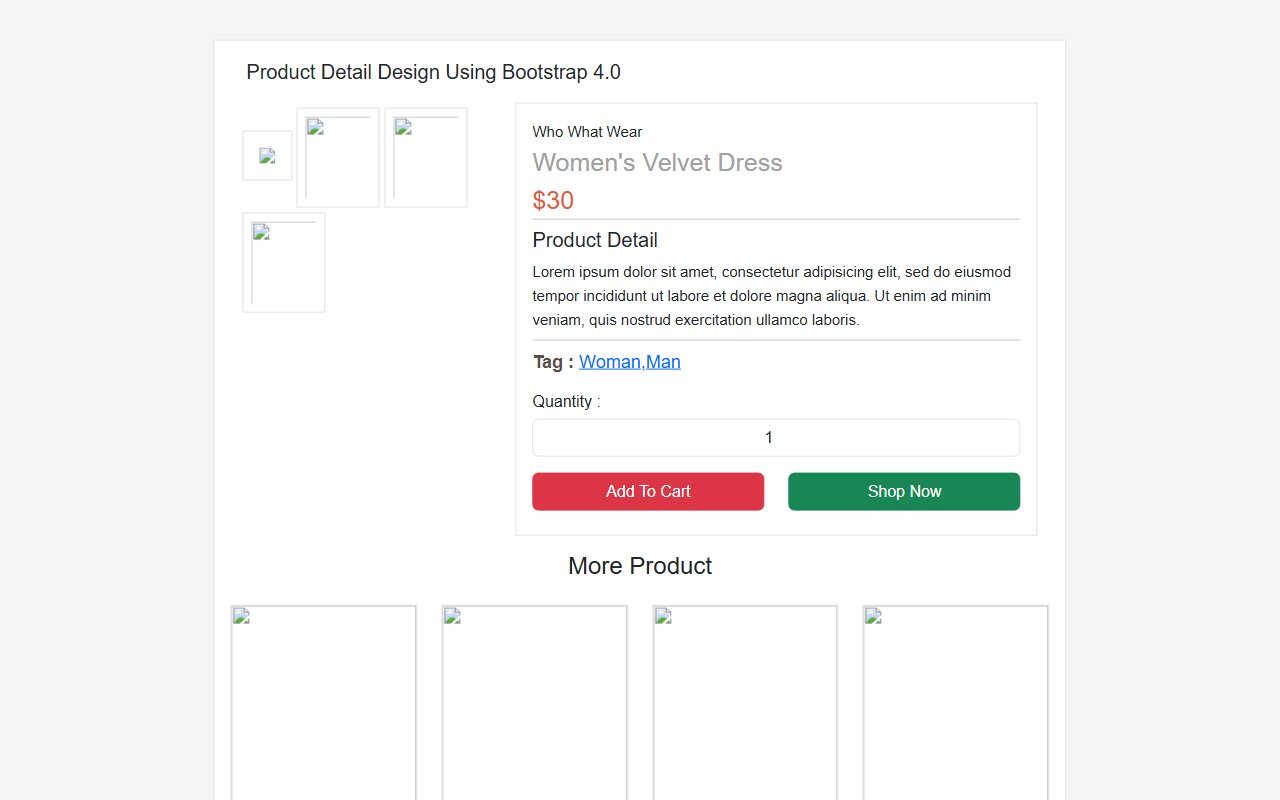
Bootstrap 5 Ecommerce Product Detail Page Design snippet
Free Bootstrap 5 utility snippet — Bootstrap 5 Ecommerce Product Detail Page Design snippet. Preview, copy HTML & CSS, drop it into any Bootstrap 5 project.

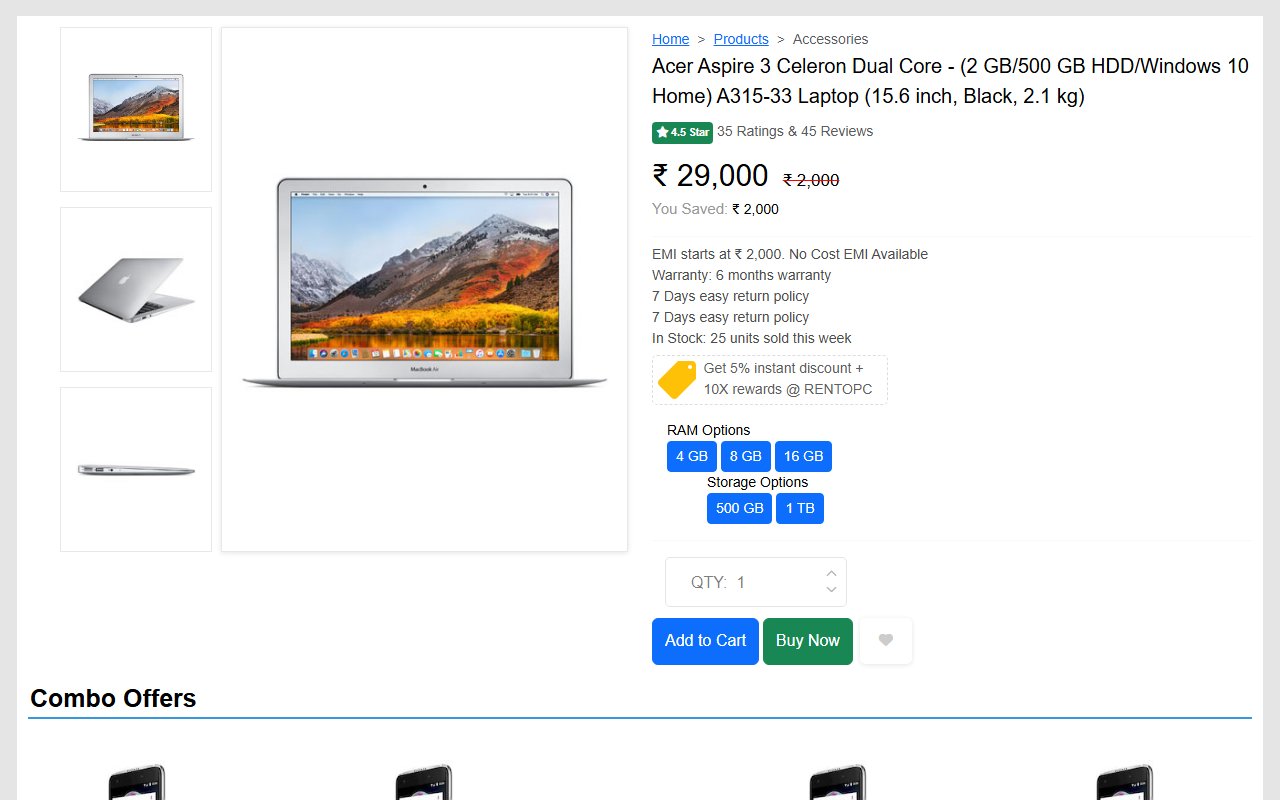
Bootstrap 5 Ecommerce single product page design template
Free Bootstrap 5 utility snippet — Bootstrap 5 Ecommerce single product page design template. Preview, copy HTML & CSS, drop it into any Bootstrap 5 project.
Hand-crafted Tailwind CSS components — HTML or React, copy-paste ready, with live previews. Free forever, MIT licensed, no sign-up to use.
24
Components
57
Views
6
Likes
Trending now
More Bootstrap snippets developers are viewing this week.

Immerse in a modern audio experience with our neumorphic music player, featuring a dynamic waveform scrubber and interactive queue visuals.
Revolutionize your AI interactions with this stunning, neon-infused chat interface. With dynamic status indicators and orbital animations, it captivates and informs.
Craft seamless schedules with an elegant neumorphic interface where you can drag and select time ranges effortlessly in a futuristic calendar view.
Comments(0)
No comments yet — be the first to start the discussion.
Sign in to join the conversation.