Bootstrap 5 Request quotation form wizard with validation: a hand-crafted, open-source Bootstrap 5 utility. HTML, CSS & JS included, ready to copy.
1<div class="container-fluid px-1 py-5 mx-auto">
2 <div class="row d-flex justify-content-center">
3 <div class="col-xl-5 col-lg-6 col-md-7">
4 <div class="card b-0">
5 <h3 class="heading">Request a Quote</h3>
6 <p class="desc">Fill out the form or call <span class="yellow-text">123 456 7891</span><br>to start protecting your business today!</p>
7 <ul id="progressbar" class="text-center">
8 <li class="active step0" id="step1"></li>
9 <li class="step0" id="step2"></li>
10 <li class="step0" id="step3"></li>
11 <li class="step0" id="step4"></li>
12 </ul>
13 <fieldset class="show">
14 <div class="form-card">
15 <h5 class="sub-heading">Select Service(s)</h5>
16 <div class="row px-1 radio-group">
17 <div class="card-block text-center radio selected">
18 <div class="image-icon"> <img class="icon icon1" src="https://i.imgur.com/vZxfo9x.png"> </div>
19 <p class="sub-desc">One time paper cleanout</p>
20 </div>
21 <div class="card-block text-center radio">
22 <div class="image-icon"> <img class="icon icon1 fit-image" src="https://i.imgur.com/HnX40f4.png"> </div>
23 <p class="sub-desc">Shredding service on a regular schedule</p>
24 </div>
25 <div class="card-block text-center radio">
26 <div class="image-icon"> <img class="icon icon1 fit-image" src="https://i.imgur.com/ynKYPkk.png"> </div>
27 <p class="sub-desc">Hard Drive destruction</p>
28 </div>
29 <div class="card-block text-center radio">
30 <div class="image-icon"> <img class="icon icon1 fit-image" src="https://i.imgur.com/6qK7u8Q.png"> </div>
31 <p class="sub-desc">Other Material destruction</p>
32 </div>
33 </div> <button id="next1" class="w-100 btn-primary mt-3 mb-1 next">NEXT<span class="fa fa-long-arrow-right"></span></button>
34 </div>
35 </fieldset>
36 <fieldset>
37 <div class="form-card">
38 <h5 class="sub-heading mb-4">Personal Details</h5> <label class="text-danger mb-3">* Required</label>
39 <div class="mb-3"> <label class="form-control-label">First Name * :</label> <input type="text" id="fname" name="fname" placeholder="" class="form-control" onblur="validate1(1)"> </div>
40 <div class="mb-3"> <label class="form-control-label">Last Name * :</label> <input type="text" id="lname" name="lname" placeholder="" class="form-control" onblur="validate1(2)"> </div>
41 <div class="mb-3"> <label class="form-control-label">Email ID * :</label> <input type="text" id="email" name="email" placeholder="" class="form-control" onblur="validate1(3)"> </div>
42 <div class="mb-3"> <label class="form-control-label">Contact No. * :</label> <input type="text" id="mob" name="mob" placeholder="" class="form-control" onblur="validate1(4)"> </div> <button id="next2" class="w-100 btn-primary mt-3 mb-1 next mt-4" onclick="validate1(0)">NEXT<span class="fa fa-long-arrow-right"></span></button> <button class="w-100 btn-secondary mt-3 mb-1 prev"><span class="fa fa-long-arrow-left"></span>PREVIOUS</button>
43 </div>
44 </fieldset>
45 <fieldset>
46 <div class="form-card">
47 <h5 class="sub-heading mb-4">Company Details</h5> <label class="text-danger mb-3">* Required</label>
48 <div class="mb-3"> <label class="form-control-label">Company Name * :</label> <input type="text" id="cname" name="cname" placeholder="" class="form-control" onblur="validate2(1)"> </div>
49 <div class="mb-3"> <label class="form-control-label">Zip Code * :</label> <input type="text" id="zip" name="zip" placeholder="" class="form-control" onblur="validate2(2)"> </div>
50 <div class="mb-3"> <label class="form-control-label">State * :</label> <input type="text" id="state" name="state" placeholder="" class="form-control" onblur="validate2(3)"> </div>
51 <div class="mb-3"> <label class="form-control-label">City * :</label> <input type="text" id="city" name="city" placeholder="" class="form-control" onblur="validate2(4)"> </div>
52 <div class="mb-3"> <label class="form-control-label">Shredding Job Size * :</label>
53 <div class="select mb-3"> <select name="shred-info" class="form-control">
54 <option>NA</option>
55 <option>1-20 boxes</option>
56 <option>20-50 boxes</option>
57 <option>50-100 boxes</option>
58 <option>100+ boxes</option>
59 </select> </div>
60 </div> <button id="next3" class="w-100 btn-primary mt-3 mb-1 next mt-4" onclick="validate2(0)">SUBMIT REQUEST<span class="fa fa-long-arrow-right"></span></button> <button class="w-100 btn-secondary mt-3 mb-1 prev"><span class="fa fa-long-arrow-left"></span>PREVIOUS</button>
61 </div>
62 </fieldset>
63 <fieldset>
64 <div class="form-card">
65 <h5 class="sub-heading mb-4">Success!</h5>
66 <p class="message">Thank You for choosing our website.<br>Quotation will be sent to your Email ID and Contact Number.</p>
67 <div class="check"> <img class="fit-image check-img" src="https://i.imgur.com/QH6Zd6Y.gif"> </div>
68 </div>
69 </fieldset>
70 </div>
71 </div>
72 </div>
73</div>
Auto move mouse cursor snippet
Auto move mouse cursor snippet: a hand-crafted, open-source Bootstrap 5 utility. HTML, CSS & JS included, ready to copy.

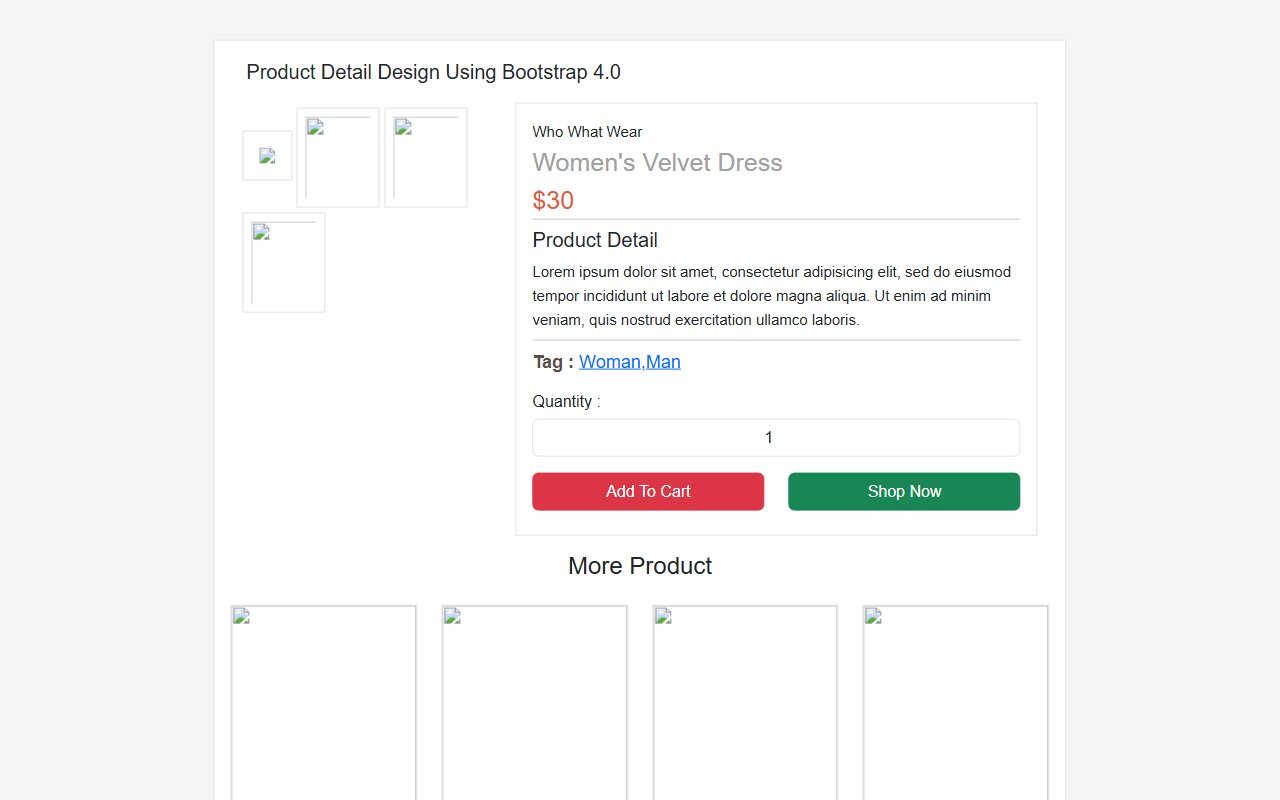
Bootstrap 5 Ecommerce Product Detail Page Design snippet
Free Bootstrap 5 utility snippet — Bootstrap 5 Ecommerce Product Detail Page Design snippet. Preview, copy HTML & CSS, drop it into any Bootstrap 5 project.

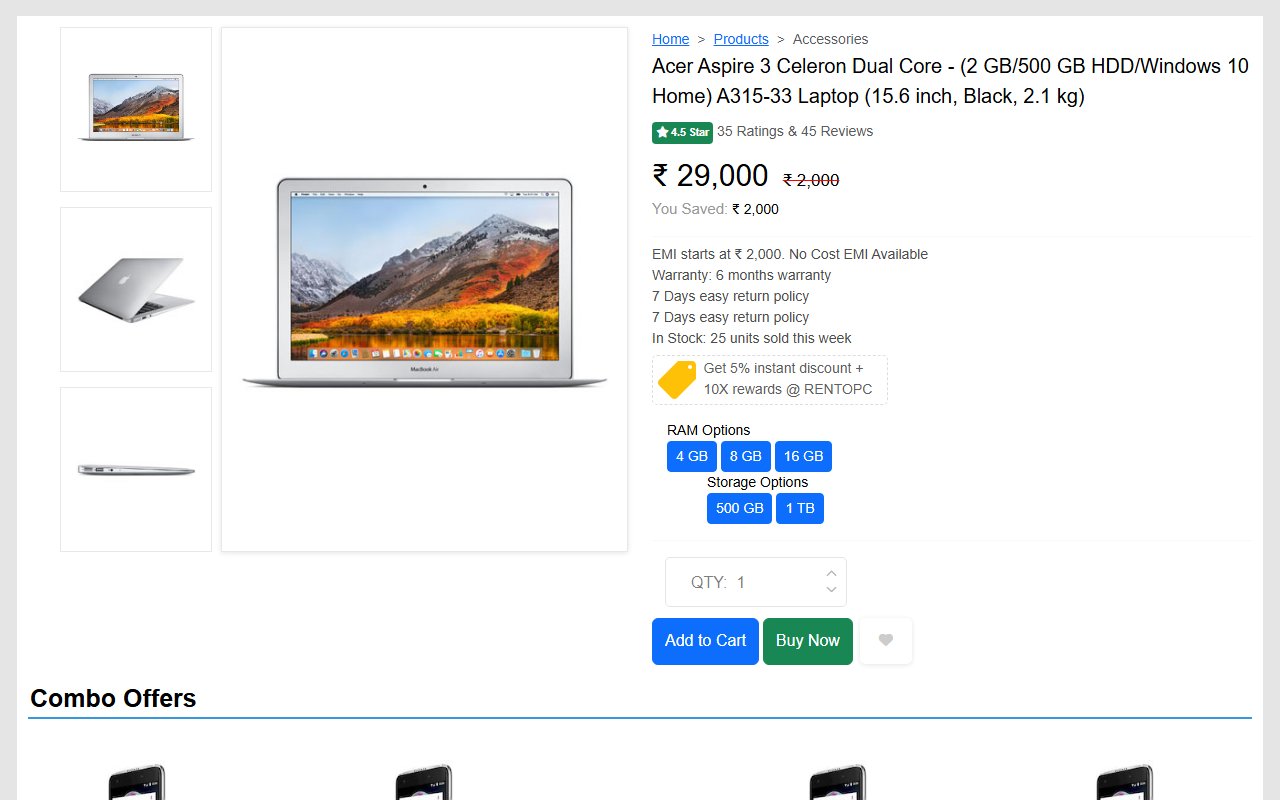
Bootstrap 5 Ecommerce single product page design template
Free Bootstrap 5 utility snippet — Bootstrap 5 Ecommerce single product page design template. Preview, copy HTML & CSS, drop it into any Bootstrap 5 project.
Hand-crafted Tailwind CSS components — HTML or React, copy-paste ready, with live previews. Free forever, MIT licensed, no sign-up to use.
24
Components
57
Views
6
Likes
Trending now
More Bootstrap snippets developers are viewing this week.

Immerse in a modern audio experience with our neumorphic music player, featuring a dynamic waveform scrubber and interactive queue visuals.
Revolutionize your AI interactions with this stunning, neon-infused chat interface. With dynamic status indicators and orbital animations, it captivates and informs.
Craft seamless schedules with an elegant neumorphic interface where you can drag and select time ranges effortlessly in a futuristic calendar view.
Comments(0)
No comments yet — be the first to start the discussion.
Sign in to join the conversation.