Cards Bootstrap 5Free+ CSS
Add a card to your UI with Bootstrap 5 ecommerce product cards details template. Free Bootstrap 5 code — HTML & CSS ready to copy, MIT licensed.
24.7k views795 downloads
gosnippets.com/preview/bootstrap-5-ecommerce-product-cards-details-template

Source Code
1<div class="container mt-5">
2 <div class="row">
3 <div class="col-md-3">
4 <div class="card">
5 <div class="image-container">
6 <div class="first">
7 <div class="d-flex justify-content-between align-items-center"> <span class="discount">-25%</span> <span class="wishlist"><i class="fa fa-heart-o"></i></span> </div>
8 </div> <img src="https://i.imgur.com/8JIWpnw.jpg" class="img-fluid rounded thumbnail-image">
9 </div>
10 <div class="product-detail-container p-2">
11 <div class="d-flex justify-content-between align-items-center">
12 <h5 class="dress-name">White traditional long dress</h5>
13 <div class="d-flex flex-column mb-2"> <span class="new-price">$3.99</span> <small class="old-price text-end">$5.99</small> </div>
14 </div>
15 <div class="d-flex justify-content-between align-items-center pt-1">
16 <div class="color-select d-flex "> <input type="button" name="grey" class="btn creme"> <input type="button" name="red" class="btn red ms-2"> <input type="button" name="blue" class="btn blue ms-2"> </div>
17 <div class="d-flex "> <span class="item-size me-2 btn" type="button">S</span> <span class="item-size me-2 btn" type="button">M</span> <span class="item-size btn" type="button">L</span> </div>
18 </div>
19 <div class="d-flex justify-content-between align-items-center pt-1">
20 <div> <i class="fa fa-star-o rating-star"></i> <span class="rating-number">4.8</span> </div> <span class="buy">BUY +</span>
21 </div>
22 </div>
23 </div>
24 <div class="mt-3">
25 <div class="card voutchers">
26 <div class="voutcher-divider">
27 <div class="voutcher-left text-center"> <span class="voutcher-name">Monday Happy</span>
28 <h5 class="voutcher-code">#MONHPY</h5>
29 </div>
30 <div class="voutcher-right text-center border-start">
31 <h5 class="discount-percent">20%</h5> <span class="off">Off</span>
32 </div>
33 </div>
34 </div>
35 </div>
36 </div>
37 <div class="col-md-3">
38 <div class="card">
39 <div class="image-container">
40 <div class="first">
41 <div class="d-flex justify-content-between align-items-center"> <span class="discount">-25%</span> <span class="wishlist"><i class="fa fa-heart-o"></i></span> </div>
42 </div> <img src="https://i.imgur.com/PtepOpe.jpg" class="img-fluid rounded thumbnail-image">
43 </div>
44 <div class="product-detail-container p-2">
45 <div class="d-flex justify-content-between align-items-center">
46 <h5 class="dress-name">Long sleeve denim jacket</h5>
47 <div class="d-flex flex-column mb-2"> <span class="new-price">$3.99</span> <small class="old-price text-end">$5.99</small> </div>
48 </div>
49 <div class="d-flex justify-content-between align-items-center pt-1">
50 <div class="color-select d-flex "> <input type="button" name="grey" class="btn creme"> <input type="button" name="darkblue" class="btn darkblue ms-2"> </div>
51 <div class="d-flex "> <span class="item-size me-2 btn" type="button">S</span> <span class="item-size me-2 btn" type="button">M</span> <span class="item-size btn" type="button">L</span> </div>
52 </div>
53 <div class="d-flex justify-content-between align-items-center pt-1">
54 <div> <i class="fa fa-star-o rating-star"></i> <span class="rating-number">4.8</span> </div> <span class="buy">BUY +</span>
55 </div>
56 </div>
57 </div>
58 <div class="mt-3">
59 <div class="card voutchers">
60 <div class="voutcher-divider">
61 <div class="voutcher-left text-center"> <span class="voutcher-name">Payday Surprise</span>
62 <h5 class="voutcher-code">#SRPSPYDY</h5>
63 </div>
64 <div class="voutcher-right text-center border-start">
65 <h5 class="discount-percent">20%</h5> <span class="off">Off</span>
66 </div>
67 </div>
68 </div>
69 </div>
70 </div>
71 <div class="col-md-3">
72 <div class="card">
73 <div class="image-container">
74 <div class="first">
75 <div class="d-flex justify-content-between align-items-center"> <span class="discount">-25%</span> <span class="wishlist"><i class="fa fa-heart-o"></i></span> </div>
76 </div> <img src="https://i.imgur.com/ePJKs8Q.jpg" class="img-fluid rounded thumbnail-image">
77 </div>
78 <div class="product-detail-container p-2">
79 <div class="d-flex justify-content-between ">
80 <h5 class="dress-name">Hush Puppies</h5>
81 <div class="d-flex flex-column mb-2"> <span class="new-price">$3.99</span> <small class="old-price text-end">$5.99</small> </div>
82 </div>
83 <div class="d-flex justify-content-between align-items-center pt-1">
84 <div class="color-select d-flex "> <input type="button" name="grey" class="btn creme"> <input type="button" name="yellow" class="btn yellow ms-2"> <input type="button" name="blue" class="btn blue ms-2"> </div>
85 <div class="d-flex "> <span class="item-size me-2 btn" type="button">S</span> <span class="item-size me-2 btn" type="button">M</span> <span class="item-size btn" type="button">L</span> </div>
86 </div>
87 <div class="d-flex justify-content-between align-items-center pt-1">
88 <div> <i class="fa fa-star-o rating-star"></i> <span class="rating-number">4.2</span> </div> <span class="buy">BUY +</span>
89 </div>
90 </div>
91 </div>
92 <div class="mt-3">
93 <div class="card voutchers">
94 <div class="voutcher-divider">
95 <div class="voutcher-left text-center"> <span class="voutcher-name">First order</span>
96 <h5 class="voutcher-code">#HPYFRST</h5>
97 </div>
98 <div class="voutcher-right text-center border-start">
99 <h5 class="discount-percent">20%</h5> <span class="off">Off</span>
100 </div>
101 </div>
102 </div>
103 </div>
104 </div>
105 <div class="col-md-3">
106 <div class="card">
107 <div class="image-container">
108 <div class="first">
109 <div class="d-flex justify-content-between align-items-center"> <span class="discount">-25%</span> <span class="wishlist"><i class="fa fa-heart-o"></i></span> </div>
110 </div> <img src="https://i.imgur.com/snffLH3.jpg" class="img-fluid rounded thumbnail-image">
111 </div>
112 <div class="product-detail-container p-2">
113 <div class="d-flex justify-content-between ">
114 <h5 class="dress-name">Athens skirt </h5>
115 <div class="d-flex flex-column mb-2"> <span class="new-price">$3.99</span> <small class="old-price text-end">$5.99</small> </div>
116 </div>
117 <div class="d-flex justify-content-between align-items-center pt-1">
118 <div class="color-select d-flex "> <input type="button" name="grey" class="btn creme"> <input type="button" name="red" class="btn red ms-2"> <input type="button" name="blue" class="btn blue ms-2"> </div>
119 <div class="d-flex "> <span class="item-size me-2 btn" type="button">S</span> <span class="item-size me-2 btn" type="button">M</span> <span class="item-size btn" type="button">L</span> </div>
120 </div>
121 <div class="d-flex justify-content-between align-items-center pt-1">
122 <div> <i class="fa fa-star-o rating-star"></i> <span class="rating-number">3.8</span> </div> <span class="buy">BUY +</span>
123 </div>
124 </div>
125 </div>
126 <div class="mt-3">
127 <div class="card voutchers">
128 <div class="voutcher-divider">
129 <div class="voutcher-left text-center"> <span class="voutcher-name">Vegetarian Food</span>
130 <h5 class="voutcher-code">#VEGANLOVE</h5>
131 </div>
132 <div class="voutcher-right text-center border-start">
133 <h5 class="discount-percent">20%</h5> <span class="off">Off</span>
134 </div>
135 </div>
136 </div>
137 </div>
138 </div>
139 </div>
140</div>More Cards snippets

Bootstrap carousel with cards in 3 columns
Bootstrap carousel with cards in 3 columns: a hand-crafted, open-source Bootstrap 5 card. HTML included, ready to copy.
CardsView →

Bootstrap snippet Panels with nav tabs using HTML & CSS
Bootstrap snippet Panels with nav tabs using HTML & CSS — a free Bootstrap 5 card snippet. Copy the HTML & CSS and paste straight into your Bootstrap 5 project.
CardsView →

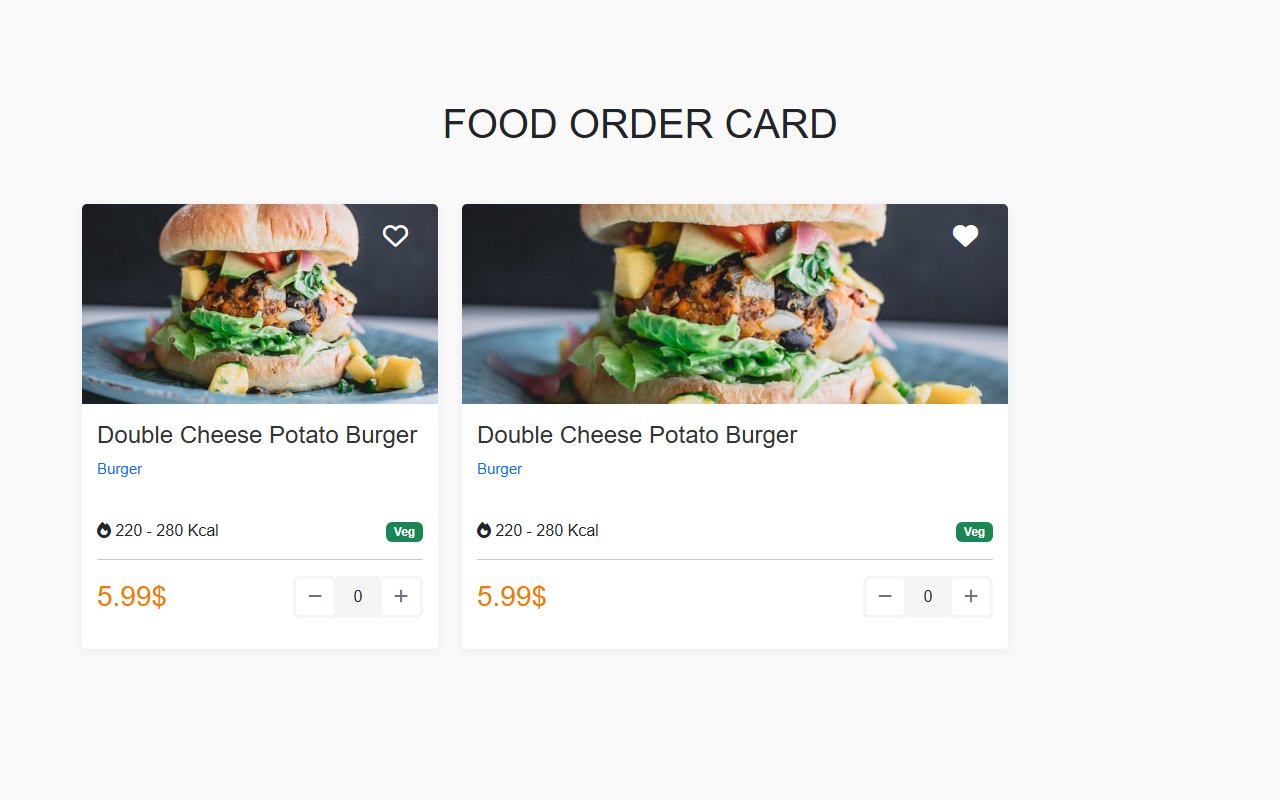
Bootstrap 5 Food Order Card UI Design
Add a card to your UI with Bootstrap 5 Food Order Card UI Design. Free Bootstrap 5 code — HTML & CSS ready to copy, MIT licensed.
CardsView →
Comments(0)
No comments yet — be the first to start the discussion.
Sign in to join the conversation.