Utilities Bootstrap 5Free+ CSS+ JS
Direct Messaging user interface snippet — a free Bootstrap 5 utility snippet. Copy the HTML, CSS & JS and paste straight into your Bootstrap 5 project.
1.4k views23 downloads
gosnippets.com/preview/direct-messaging-user-interface-snippet
Source Code
1<link rel="stylesheet" href="https://cdnjs.cloudflare.com/ajax/libs/normalize/5.0.0/normalize.min.css">
2<link rel='stylesheet' href='https://fonts.googleapis.com/css?family=Open+Sans'>
3<link rel='stylesheet' href='https://cdnjs.cloudflare.com/ajax/libs/malihu-custom-scrollbar-plugin/3.1.3/jquery.mCustomScrollbar.min.css'>
4<div class="chat">
5 <div class="chat-title">
6 <h1>RDG</h1>
7 <h2>Online</h2>
8 <figure class="avatar">
9 <img src="https://s3-us-west-2.amazonaws.com/s.cdpn.io/156381/profile/profile-80.jpg" /></figure>
10 </div>
11 <div class="messages">
12 <div class="messages-content"></div>
13 </div>
14 <div class="message-box">
15 <textarea type="text" class="message-input" placeholder="Type message..."></textarea>
16 <button type="submit" class="message-submit">Send</button>
17 </div>
18
19</div>
20<div class="bg"></div>
21
22<script src='https://cdnjs.cloudflare.com/ajax/libs/jquery/2.1.3/jquery.min.js'></script>
23<script src='https://cdnjs.cloudflare.com/ajax/libs/malihu-custom-scrollbar-plugin/3.1.3/jquery.mCustomScrollbar.concat.min.js'></script>More Utilities snippets

Auto move mouse cursor snippet
Auto move mouse cursor snippet: a hand-crafted, open-source Bootstrap 5 utility. HTML, CSS & JS included, ready to copy.
UtilitiesView →

Bootstrap 5 Ecommerce Product Detail Page Design snippet
Free Bootstrap 5 utility snippet — Bootstrap 5 Ecommerce Product Detail Page Design snippet. Preview, copy HTML & CSS, drop it into any Bootstrap 5 project.
UtilitiesView →

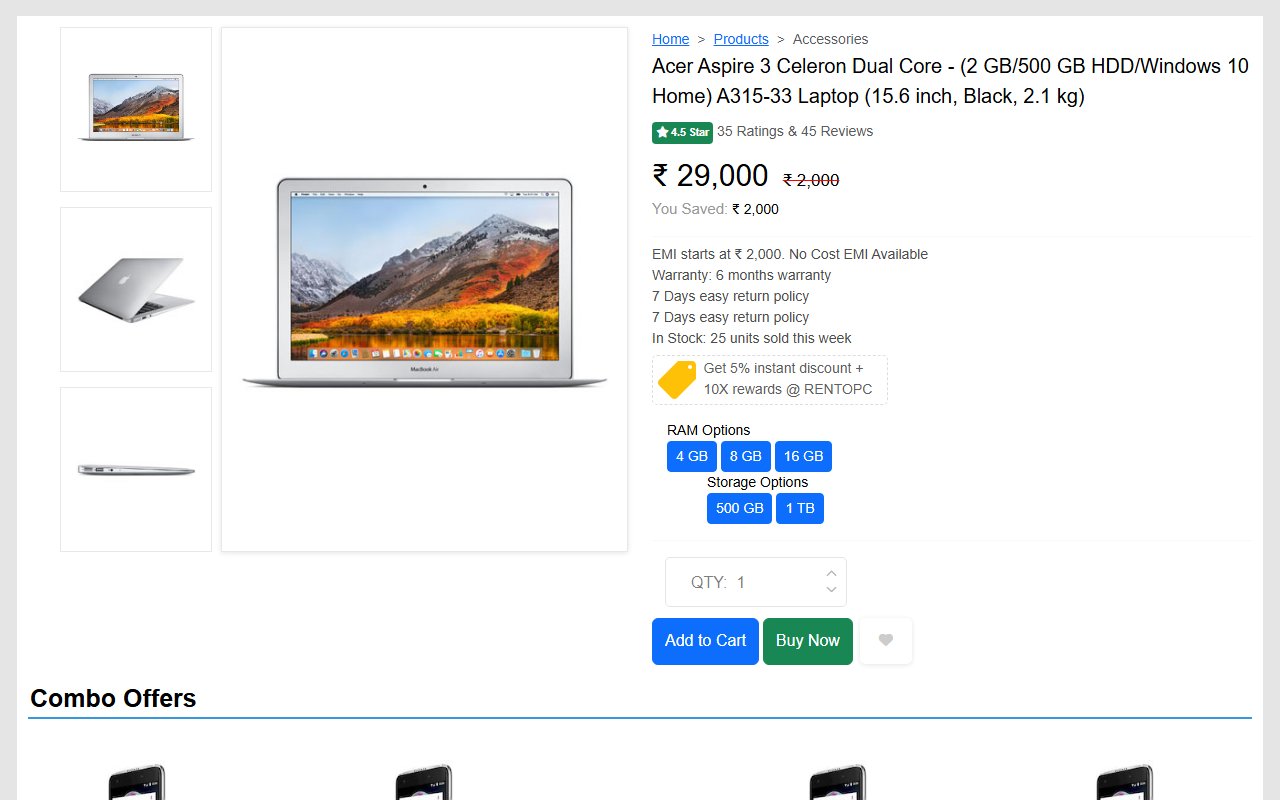
Bootstrap 5 Ecommerce single product page design template
Free Bootstrap 5 utility snippet — Bootstrap 5 Ecommerce single product page design template. Preview, copy HTML & CSS, drop it into any Bootstrap 5 project.
UtilitiesView →
Comments(0)
No comments yet — be the first to start the discussion.
Sign in to join the conversation.