Utilities Bootstrap 5Free
Typing speed game from HTML, CSS, and JavaScript: a hand-crafted, open-source Bootstrap 5 utility. HTML included, ready to copy.
1.7k views11 downloads
gosnippets.com/preview/typing-speed-game-from-html,-css,-and-javascript
Typing speed game from HTML, CSS, and JavaScript: a hand-crafted, open-source Bootstrap 5 utility. HTML included, ready to copy.
1<!DOCTYPE html>
2<html lang="en">
3<head>
4 <meta charset="UTF-8">
5 <meta name="viewport" content="width=device-width, initial-scale=1.0">
6 <title>Typing Speed Game</title>
7 <link href="https://cdn.jsdelivr.net/npm/bootstrap@5.3.3/dist/css/bootstrap.min.css" rel="stylesheet">
8 <style>
9 body {
10 background: linear-gradient(to right, #ff7e5f, #feb47b);
11 color: #fff;
12 font-family: 'Arial', sans-serif;
13 }
14 #game-area {
15 background: #fff;
16 padding: 20px;
17 border-radius: 15px;
18 box-shadow: 0 10px 20px rgba(0, 0, 0, 0.1);
19 color: #333;
20 }
21 #word-display {
22 font-size: 2em;
23 font-weight: bold;
24 }
25 input#typing-input {
26 font-size: 1.5em;
27 text-align: center;
28 }
29 .modal-content {
30 background: linear-gradient(to right, #6a11cb, #2575fc);
31 color: #fff;
32 }
33 </style>
34</head>
35<body>
36 <div class="container my-5">
37 <h1 class="text-center mb-4">Typing Speed Game</h1>
38
39 <!-- Game Modes -->
40 <div class="d-flex justify-content-center mb-4">
41 <button id="timed-challenge" class="btn btn-primary mx-2">Timed Challenge (60s)</button>
42 <button id="endless-mode" class="btn btn-secondary mx-2">Endless Mode</button>
43 <button id="hard-mode" class="btn btn-danger mx-2">Hard Mode</button>
44 </div>
45
46 <!-- Typing Area -->
47 <div id="game-area" class="text-center">
48 <h3 id="word-display" class="mb-4"></h3>
49 <input type="text" id="typing-input" class="form-control w-50 mx-auto" placeholder="Type here..." autocomplete="off">
50 <div id="feedback" class="mt-2"></div>
51 </div>
52
53 <!-- Stats Area -->
54 <div id="stats" class="text-center mt-4">
55 <p>Words Per Minute: <span id="wpm">0</span></p>
56 <p>Accuracy: <span id="accuracy">100%</span></p>
57 <p>Combo: <span id="combo">x1</span></p>
58 <p>Time Left: <span id="timer">60</span> seconds</p>
59 </div>
60
61 <!-- Game Over Modal -->
62 <div class="modal fade" id="game-over-modal" tabindex="-1" aria-labelledby="gameOverLabel" aria-hidden="true">
63 <div class="modal-dialog modal-dialog-centered">
64 <div class="modal-content">
65 <div class="modal-header">
66 <h5 class="modal-title" id="gameOverLabel">Game Over</h5>
67 <button type="button" class="btn-close" data-bs-dismiss="modal" aria-label="Close"></button>
68 </div>
69 <div class="modal-body">
70 <p>Final Score: <span id="final-score"></span></p>
71 <p>WPM: <span id="final-wpm"></span></p>
72 <p>Accuracy: <span id="final-accuracy"></span></p>
73 </div>
74 <div class="modal-footer">
75 <button type="button" class="btn btn-success" id="restart-btn">Restart</button>
76 <button type="button" class="btn btn-info" id="leaderboard-btn">View Leaderboard</button>
77 </div>
78 </div>
79 </div>
80 </div>
81 </div>
82
83 <script src="https://cdn.jsdelivr.net/npm/bootstrap@5.3.3/dist/js/bootstrap.bundle.min.js"></script>
84 <script>
85 // Variables
86 let wordList = [
87 ['cat', 'dog', 'hat'],
88 ['apple', 'train', 'water'],
89 ['chocolate', 'symphony', 'exaggerate'],
90 ['pseudonym', 'amplification', 'anachronistic']
91 ];
92 let currentWord = "";
93 let timer = 60;
94 let combo = 1;
95 let score = 0;
96 let accuracy = 100;
97 let totalWords = 0;
98 let correctWords = 0;
99 let wordsTyped = 0;
100 let interval;
101 let gameMode = "timed";
102
103 // Select Elements
104 const wordDisplay = document.getElementById("word-display");
105 const typingInput = document.getElementById("typing-input");
106 const wpmDisplay = document.getElementById("wpm");
107 const accuracyDisplay = document.getElementById("accuracy");
108 const comboDisplay = document.getElementById("combo");
109 const feedback = document.getElementById("feedback");
110 const finalScore = document.getElementById("final-score");
111 const finalWPM = document.getElementById("final-wpm");
112 const finalAccuracy = document.getElementById("final-accuracy");
113 const modal = new bootstrap.Modal(document.getElementById('game-over-modal'));
114 const timerDisplay = document.getElementById('timer');
115
116 // Start the game
117 function startGame() {
118 resetGame();
119 setWord();
120 typingInput.focus();
121 typingInput.addEventListener('input', handleTyping);
122 interval = setInterval(updateGame, 1000);
123 }
124
125 // Set new word
126 function setWord() {
127 const difficultyLevel = Math.min(wordsTyped / 5, wordList.length - 1);
128 const wordArray = wordList[Math.floor(difficultyLevel)];
129 currentWord = wordArray[Math.floor(Math.random() * wordArray.length)];
130 wordDisplay.textContent = currentWord;
131 }
132
133 // Handle typing input
134 function handleTyping() {
135 const typedValue = typingInput.value;
136 if (typedValue === currentWord) {
137 correctWords++;
138 wordsTyped++;
139 score += 10 * combo;
140 combo++;
141 feedback.textContent = "Correct!";
142 feedback.style.color = 'green';
143 typingInput.value = "";
144 setWord();
145 } else if (currentWord.indexOf(typedValue) !== 0) {
146 combo = 1;
147 feedback.textContent = "Wrong!";
148 feedback.style.color = 'red';
149 }
150 updateStats();
151 }
152
153 // Update stats
154 function updateStats() {
155 totalWords++;
156 accuracy = (correctWords / totalWords) * 100;
157 accuracyDisplay.textContent = `${accuracy.toFixed(2)}%`;
158 comboDisplay.textContent = `x${combo}`;
159 wpmDisplay.textContent = `${(correctWords / ((60 - timer) / 60)).toFixed(1)} WPM`;
160 }
161
162 // Game timer and end conditions
163 function updateGame() {
164 if (timer > 0) {
165 timer--;
166 timerDisplay.textContent = timer;
167 } else {
168 endGame();
169 }
170 }
171
172 // End the game
173 function endGame() {
174 clearInterval(interval);
175 typingInput.removeEventListener('input', handleTyping);
176 finalScore.textContent = score;
177 finalWPM.textContent = wpmDisplay.textContent;
178 finalAccuracy.textContent = accuracyDisplay.textContent;
179 modal.show();
180 }
181
182 // Reset game data
183 function resetGame() {
184 clearInterval(interval);
185 score = 0;
186 totalWords = 0;
187 correctWords = 0;
188 combo = 1;
189 timer = 60;
190 timerDisplay.textContent = timer;
191 feedback.textContent = "";
192 typingInput.value = "";
193 }
194
195 // Restart button functionality
196 document.getElementById("restart-btn").addEventListener("click", () => {
197 modal.hide();
198 startGame();
199 });
200
201 // View Leaderboard button functionality (dummy for now)
202 document.getElementById("leaderboard-btn").addEventListener("click", () => {
203 alert("Leaderboard feature coming soon!");
204 });
205
206 // Event Listeners for game modes
207 document.getElementById("timed-challenge").addEventListener("click", () => {
208 gameMode = "timed";
209 startGame();
210 });
211
212 document.getElementById("endless-mode").addEventListener("click", () => {
213 gameMode = "endless";
214 timer = Infinity;
215 timerDisplay.textContent = "∞";
216 startGame();
217 });
218
219 document.getElementById("hard-mode").addEventListener("click", () => {
220 gameMode = "hard";
221 startGame();
222 });
223 </script>
224</body>
225</html>
226
Auto move mouse cursor snippet
Auto move mouse cursor snippet: a hand-crafted, open-source Bootstrap 5 utility. HTML, CSS & JS included, ready to copy.
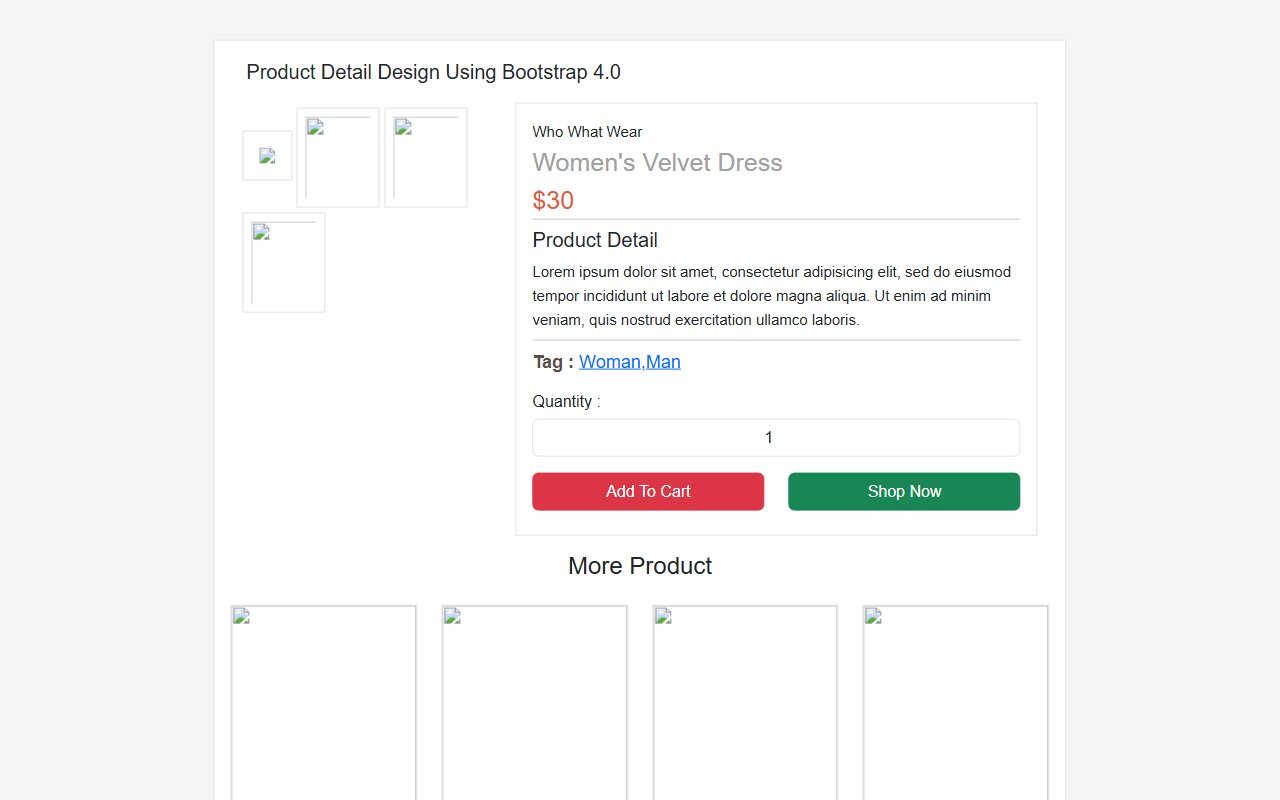
Bootstrap 5 Ecommerce Product Detail Page Design snippet
Free Bootstrap 5 utility snippet — Bootstrap 5 Ecommerce Product Detail Page Design snippet. Preview, copy HTML & CSS, drop it into any Bootstrap 5 project.
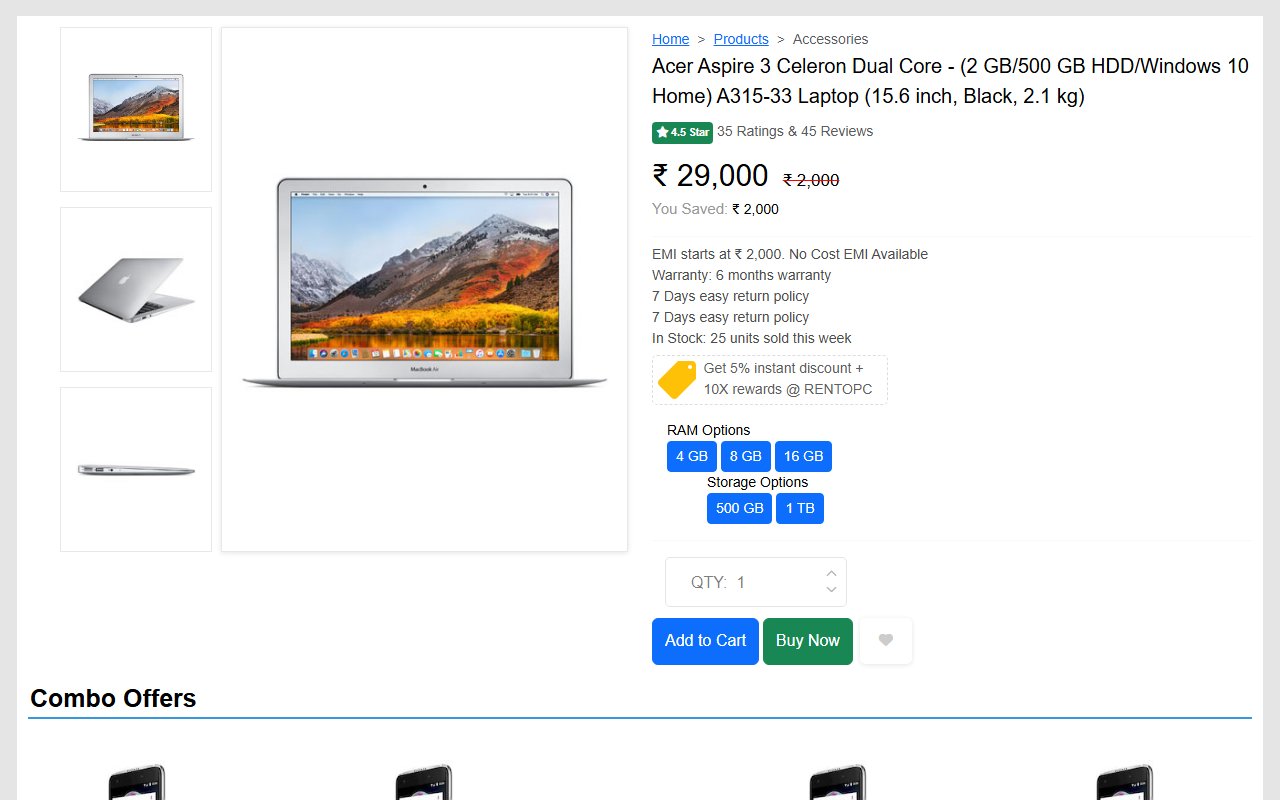
Bootstrap 5 Ecommerce single product page design template
Free Bootstrap 5 utility snippet — Bootstrap 5 Ecommerce single product page design template. Preview, copy HTML & CSS, drop it into any Bootstrap 5 project.
Hand-crafted Tailwind CSS components — HTML or React, copy-paste ready, with live previews. Free forever, MIT licensed, no sign-up to use.
27
Components
1.1k
Views
6
Likes
Comments(0)
No comments yet — be the first to start the discussion.
Sign in to join the conversation.