jQuery Event Calendar snippets — a free Bootstrap 5 utility snippet. Copy the HTML, CSS & JS and paste straight into your Bootstrap 5 project.
1<div class="content">
2 <div class="calendar-container">
3 <div class="calendar">
4 <div class="year-header">
5 <span class="left-button" id="prev"> ⟨ </span>
6 <span class="year" id="label"></span>
7 <span class="right-button" id="next"> ⟩ </span>
8 </div>
9 <table class="months-table">
10 <tbody>
11 <tr class="months-row">
12 <td class="month">Jan</td>
13 <td class="month">Feb</td>
14 <td class="month">Mar</td>
15 <td class="month">Apr</td>
16 <td class="month">May</td>
17 <td class="month">Jun</td>
18 <td class="month">Jul</td>
19 <td class="month">Aug</td>
20 <td class="month">Sep</td>
21 <td class="month">Oct</td>
22 <td class="month">Nov</td>
23 <td class="month">Dec</td>
24 </tr>
25 </tbody>
26 </table>
27
28 <table class="days-table">
29 <td class="day">Sun</td>
30 <td class="day">Mon</td>
31 <td class="day">Tue</td>
32 <td class="day">Wed</td>
33 <td class="day">Thu</td>
34 <td class="day">Fri</td>
35 <td class="day">Sat</td>
36 </table>
37 <div class="frame">
38 <table class="dates-table">
39 <tbody class="tbody">
40 </tbody>
41 </table>
42 </div>
43 <button class="button" id="add-button">Add Event</button>
44 </div>
45 </div>
46 <div class="events-container">
47 </div>
48 <div class="dialog" id="dialog">
49 <h2 class="dialog-header"> Add New Event </h2>
50 <form class="form" id="form">
51 <div class="form-container" align="center">
52 <label class="form-label" id="valueFromMyButton" for="name">Event name</label>
53 <input class="input" type="text" id="name" maxlength="36">
54 <label class="form-label" id="valueFromMyButton" for="count">Number of people to invite</label>
55 <input class="input" type="number" id="count" min="0" max="1000000" maxlength="7">
56 <input type="button" value="Cancel" class="button" id="cancel-button">
57 <input type="button" value="OK" class="button" id="ok-button">
58 </div>
59 </form>
60 </div>
61 </div>
Auto move mouse cursor snippet
Auto move mouse cursor snippet: a hand-crafted, open-source Bootstrap 5 utility. HTML, CSS & JS included, ready to copy.

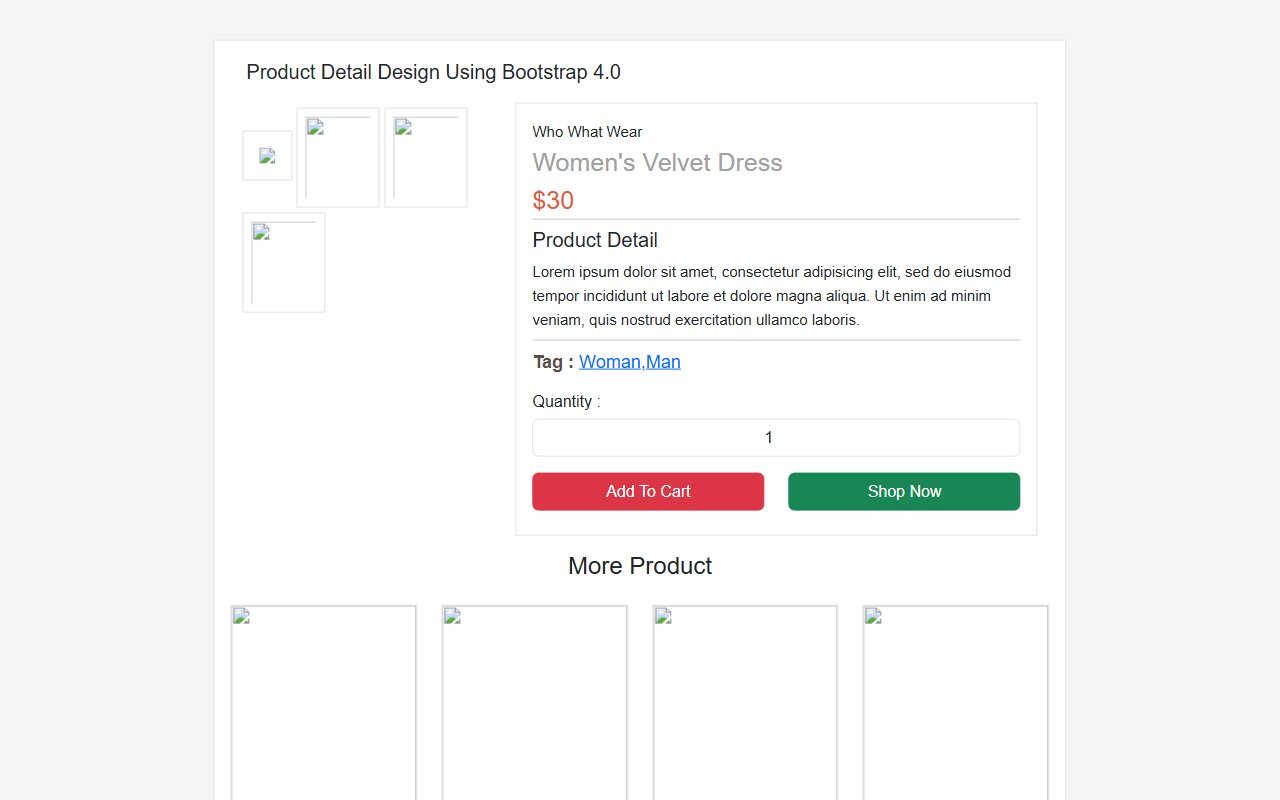
Bootstrap 5 Ecommerce Product Detail Page Design snippet
Free Bootstrap 5 utility snippet — Bootstrap 5 Ecommerce Product Detail Page Design snippet. Preview, copy HTML & CSS, drop it into any Bootstrap 5 project.

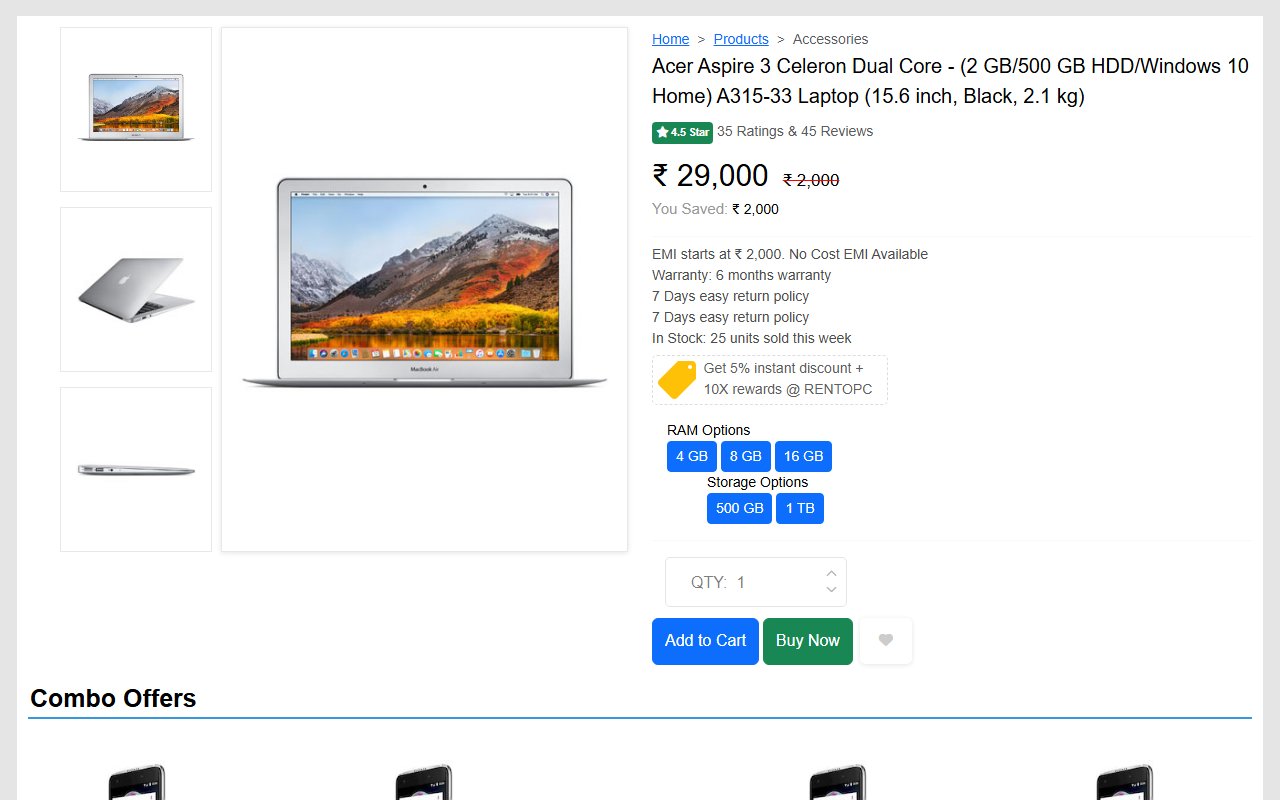
Bootstrap 5 Ecommerce single product page design template
Free Bootstrap 5 utility snippet — Bootstrap 5 Ecommerce single product page design template. Preview, copy HTML & CSS, drop it into any Bootstrap 5 project.
Hand-crafted Tailwind CSS components — HTML or React, copy-paste ready, with live previews. Free forever, MIT licensed, no sign-up to use.
23
Components
10
Views
6
Likes
Comments(0)
No comments yet — be the first to start the discussion.
Sign in to join the conversation.