Modals Bootstrap 5Free
Free Bootstrap 5 modal snippet — Bootstrap Simple Success Confirmation Popup snippet. Preview, copy HTML, drop it into any Bootstrap 5 project.
13.8k views386 downloads
gosnippets.com/preview/bootstrap-simple-success-confirmation-popup-snippet
Source Code
1<link rel="stylesheet" href="https://fonts.googleapis.com/css?family=Roboto|Varela+Round">
2<link rel="stylesheet" href="https://cdn.jsdelivr.net/npm/bootstrap@5.3.3/dist/css/bootstrap.min.css">
3<link rel="stylesheet" href="https://fonts.googleapis.com/icon?family=Material+Icons">
4<link rel="stylesheet" href="https://maxcdn.bootstrapcdn.com/font-awesome/4.7.0/css/font-awesome.min.css">
5<script src="https://code.jquery.com/jquery-3.5.1.min.js"></script>
6<script src="https://cdn.jsdelivr.net/npm/popper.js@1.16.0/dist/umd/popper.min.js"></script>
7<script src="https://cdn.jsdelivr.net/npm/bootstrap@5.3.3/dist/js/bootstrap.bundle.min.js"></script>
8<style>
9body {
10 font-family: 'Varela Round', sans-serif;
11}
12.modal-confirm {
13 color: #636363;
14 width: 325px;
15 font-size: 14px;
16}
17.modal-confirm .modal-content {
18 padding: 20px;
19 border-radius: 5px;
20 border: none;
21}
22.modal-confirm .modal-header {
23 border-bottom: none;
24 position: relative;
25}
26.modal-confirm h4 {
27 text-align: center;
28 font-size: 26px;
29 margin: 30px 0 -15px;
30}
31.modal-confirm .form-control, .modal-confirm .btn {
32 min-height: 40px;
33 border-radius: 3px;
34}
35.modal-confirm .btn-close {
36 position: absolute;
37 top: -5px;
38 right: -5px;
39}
40.modal-confirm .modal-footer {
41 border: none;
42 text-align: center;
43 border-radius: 5px;
44 font-size: 13px;
45}
46.modal-confirm .icon-box {
47 color: #fff;
48 position: absolute;
49 margin: 0 auto;
50 left: 0;
51 right: 0;
52 top: -70px;
53 width: 95px;
54 height: 95px;
55 border-radius: 50%;
56 z-index: 9;
57 background: #82ce34;
58 padding: 15px;
59 text-align: center;
60 box-shadow: 0px 2px 2px rgba(0, 0, 0, 0.1);
61}
62.modal-confirm .icon-box i {
63 font-size: 58px;
64 position: relative;
65 top: 3px;
66}
67.modal-confirm.modal-dialog {
68 margin-top: 80px;
69}
70.modal-confirm .btn {
71 color: #fff;
72 border-radius: 4px;
73 background: #82ce34;
74 text-decoration: none;
75 transition: all 0.4s;
76 line-height: normal;
77 border: none;
78}
79.modal-confirm .btn:hover, .modal-confirm .btn:focus {
80 background: #6fb32b;
81 outline: none;
82}
83.trigger-btn {
84 display: inline-block;
85 margin: 100px auto;
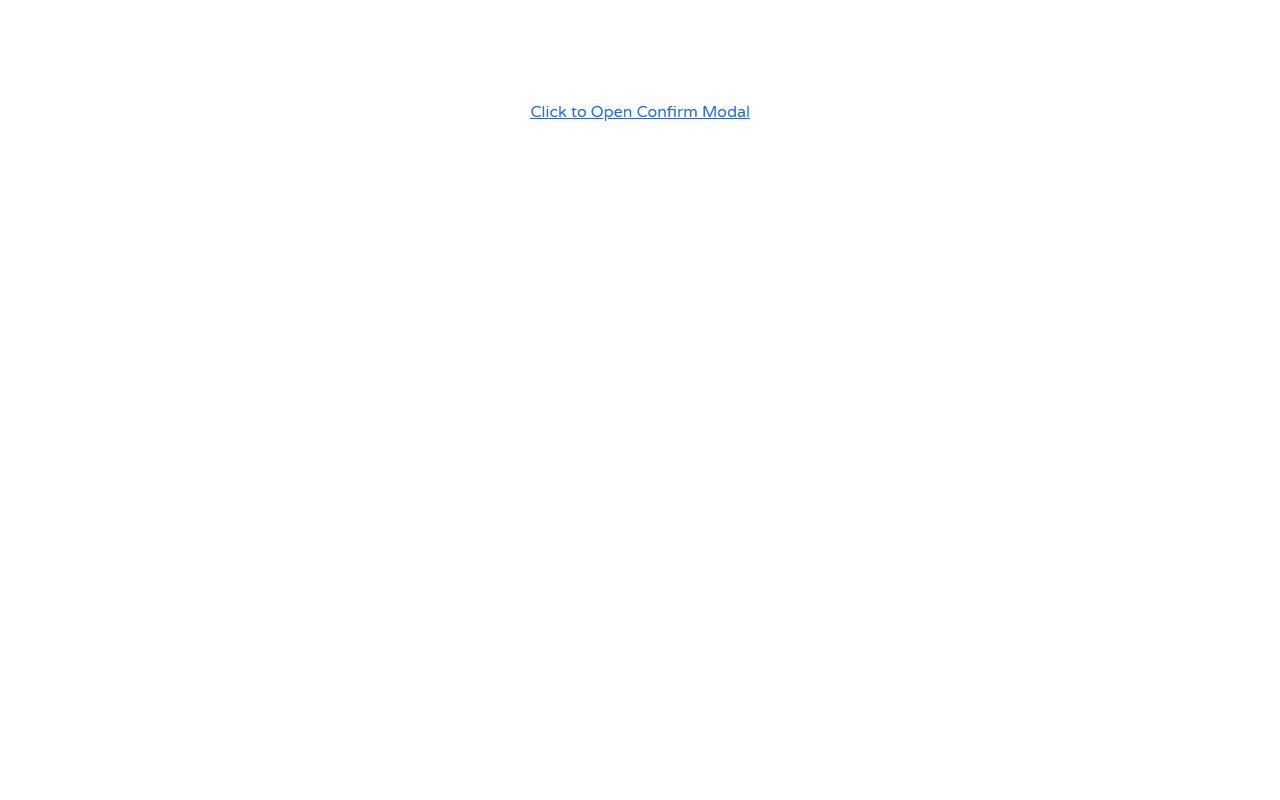
86}
87</style>
88<div class="text-center">
89 <!-- Button HTML (to Trigger Modal) -->
90 <a href="#myModal" class="trigger-btn" data-bs-toggle="modal">Click to Open Confirm Modal</a>
91</div>
92
93<!-- Modal HTML -->
94<div id="myModal" class="modal fade">
95 <div class="modal-dialog modal-confirm">
96 <div class="modal-content">
97 <div class="modal-header">
98 <div class="icon-box">
99 <i class="material-icons"></i>
100 </div>
101 <h4 class="modal-title w-100">Awesome!</h4>
102 </div>
103 <div class="modal-body">
104 <p class="text-center">Your booking has been confirmed. Check your email for detials.</p>
105 </div>
106 <div class="modal-footer">
107 <button class="btn btn-success w-100" data-bs-dismiss="modal">OK</button>
108 </div>
109 </div>
110 </div>
111</div> More Modals snippets

Bootstrap Delete Confirmation Modal snippet
Bootstrap Delete Confirmation Modal snippet — a free Bootstrap 5 modal snippet. Copy the HTML and paste straight into your Bootstrap 5 project.
ModalsView →

Bootstrap 5 customer ratings modal snippets with emojis
Add a modal to your UI with Bootstrap 5 customer ratings modal snippets with emojis. Free Bootstrap 5 code — HTML & CSS ready to copy, MIT licensed.
ModalsView →

Bootstrap 5 success modal snippets
Bootstrap 5 success modal snippets — a free Bootstrap 5 modal snippet. Copy the HTML & CSS and paste straight into your Bootstrap 5 project.
ModalsView →
Comments(0)
No comments yet — be the first to start the discussion.
Sign in to join the conversation.