Add a carousel to your UI with Bootstrap Carousel Parallax Animation Effects snippet. Free Bootstrap 5 code — HTML, CSS & JS ready to copy, MIT licensed.
1<div id="carouselExampleIndicators" class="carousel slide hero-carousel" data-bs-ride="carousel">
2 <ol class="carousel-indicators">
3 <li data-bs-target="#carouselExampleIndicators" data-bs-slide-to="0" class="active"></li>
4 <li data-bs-target="#carouselExampleIndicators" data-bs-slide-to="1"></li>
5 <li data-bs-target="#carouselExampleIndicators" data-bs-slide-to="2"></li>
6 </ol>
7 <div class="carousel-inner">
8 <div class="carousel-item active">
9 <div class="carousel-image" style="background-image: url('https://images.pexels.com/photos/601798/pexels-photo-601798.jpeg?auto=compress&cs=tinysrgb&dpr=3&h=750&w=1260');"></div>
10 </div>
11 <div class="carousel-item">
12 <div class="carousel-image" style="background-image: url('https://images.pexels.com/photos/2646380/pexels-photo-2646380.jpeg?auto=compress&cs=tinysrgb&dpr=3&h=750&w=1260');"></div>
13 </div>
14 <div class="carousel-item">
15 <div class="carousel-image" style="background-image: url('https://images.pexels.com/photos/2611487/pexels-photo-2611487.jpeg?auto=compress&cs=tinysrgb&h=750&w=1260');"></div>
16 </div>
17 </div>
18 <a class="carousel-control-prev" href="#carouselExampleIndicators" role="button" data-bs-slide="prev">
19 <span class="carousel-control-prev-icon" aria-hidden="true"></span>
20 <span class="visually-hidden">Previous</span>
21 </a>
22 <a class="carousel-control-next" href="#carouselExampleIndicators" role="button" data-bs-slide="next">
23 <span class="carousel-control-next-icon" aria-hidden="true"></span>
24 <span class="visually-hidden">Next</span>
25 </a>
26</div>
Bootstrap 5 carousel with multiple cards
Free Bootstrap 5 carousel snippet — Bootstrap 5 carousel with multiple cards. Preview, copy HTML, CSS & JS, drop it into any Bootstrap 5 project.

Sliding tabs | CSS transitions only
Sliding tabs | CSS transitions only — a free Bootstrap 5 carousel snippet. Copy the HTML & CSS and paste straight into your Bootstrap 5 project.

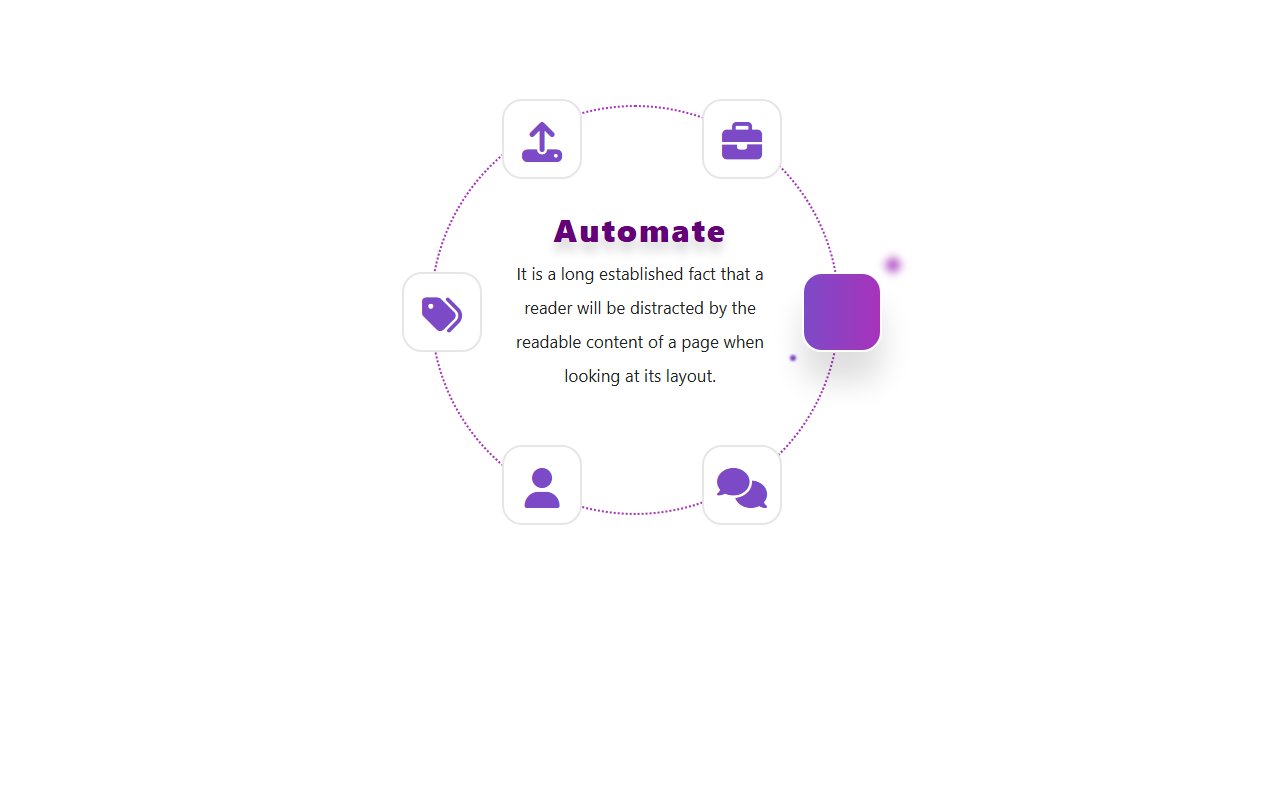
Bootstrap Services in circle slider snippet
Bootstrap Services in circle slider snippet: a hand-crafted, open-source Bootstrap 5 carousel. HTML, CSS & JS included, ready to copy.
Hand-crafted Tailwind CSS components — HTML or React, copy-paste ready, with live previews. Free forever, MIT licensed, no sign-up to use.
24
Components
13
Views
6
Likes
Comments(0)
No comments yet — be the first to start the discussion.
Sign in to join the conversation.